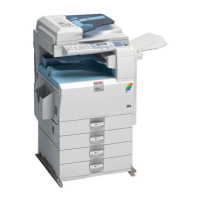
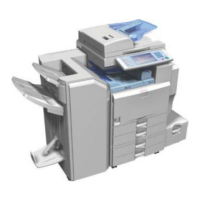
IFAX Troubleshooting
SM 37 D432/D433
D432/D433
Fax Option
Type
C2550/C2530
Communication
Route
Item Action [Remarks]
2. E-mail account
on the server
Make sure that the machine can log into
the e-mail server.
Check that the account and password
stored in the server are the same as in
the machine.
[Ask the administrator to check.]
3. E-mail server
Make sure that the client devices which
have an account in the server can
send/receive e-mail.
[Ask the administrator to check.
Send a test e-mail with the machine’s own
number as the destination. The machine
receives the returned e-mail if the
communication is performed successfully.]
1. E-mail account
on the Server
Make sure that the PC can log into the
e-mail server.
Check that the account and password
stored in the server are the same as in
the machine.
[Ask the administrator to check.]
Between e-mail
server and internet
2. E-mail server
Make sure that the client devices which
have an account in the server can
send/receive e-mail.
[Ask the administrator to check.
Send a test e-mail with the machine’s own
number as the destination. The machine
receives the returned e-mail if the
communication is performed successfully.]


 To Next Page
 Loading...