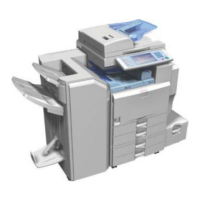
USB2.0/SD Slot Type A
D037/D038/D040/D041 2-64 SM
1. Make sure that no previous settings remain.
If a previous setting remains, press the [Clear Modes] key.
1. Place an original on the exposure glass.
2. Press [Store File].
3. Press [Store to Memory Device].
4. Press [OK].
5. Press the [Start] key.
When writing is complete, a confirmation message appears.
1. Press [Exit].
2. Remove the memory device from the media slot.
Do not remove the memory device while writing is in process.


 To Next Page