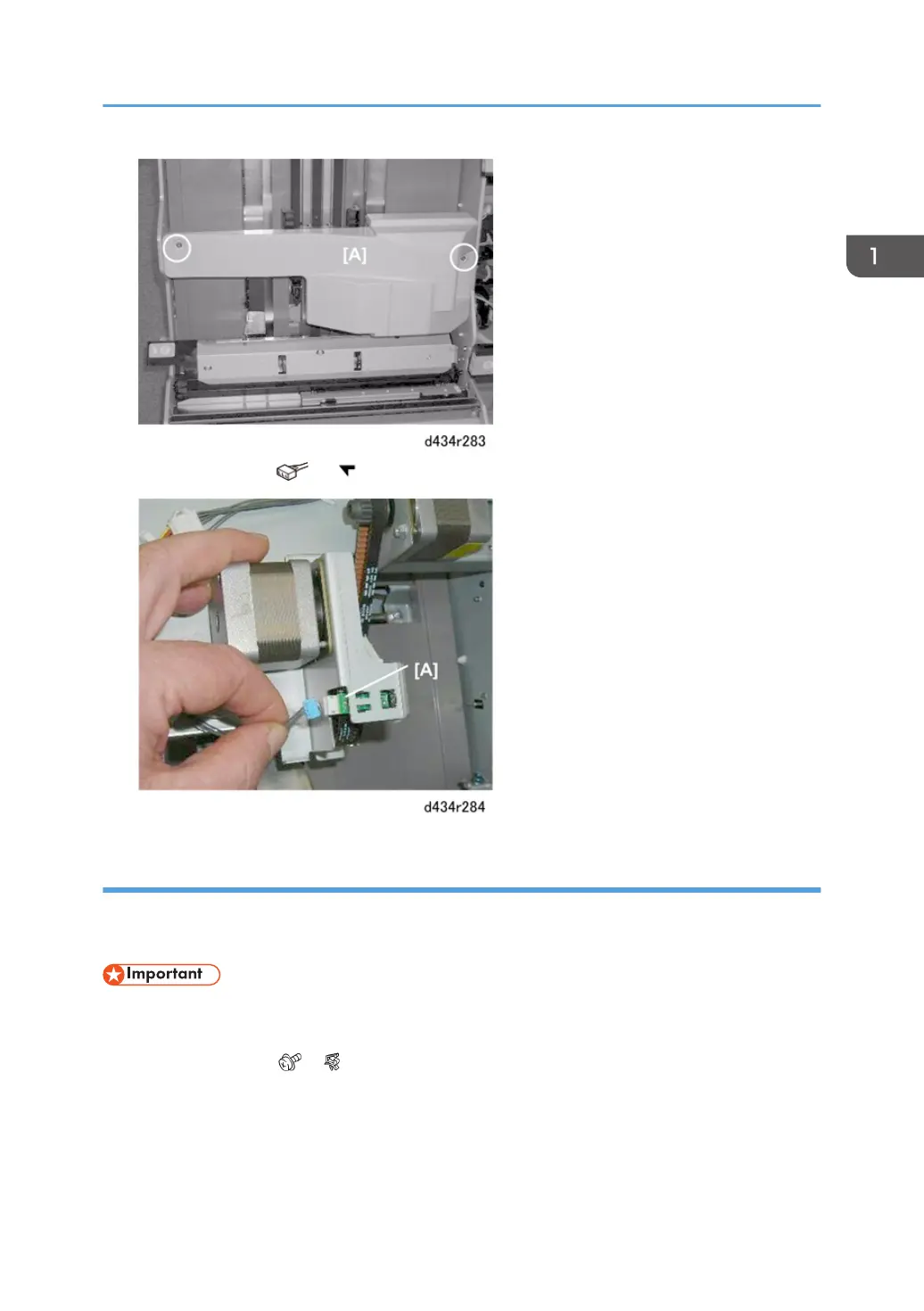
2. Remove sensor [A] ( x1, x5)
Leading Edge Stopper HP Sensor, Staple Tray Paper Sensor
Preparation
• Remove booklet unit (page 29)
• The Leading edge stopper HP sensor shares the same bracket with the stack feed-out belt HP
sensor. Use a marker to mark one of the harnesses to avoid incorrect connection at re-installation.
1. Disconnect bracket ( x1, x1).
Corner Stapler Unit
111



 To Next Page