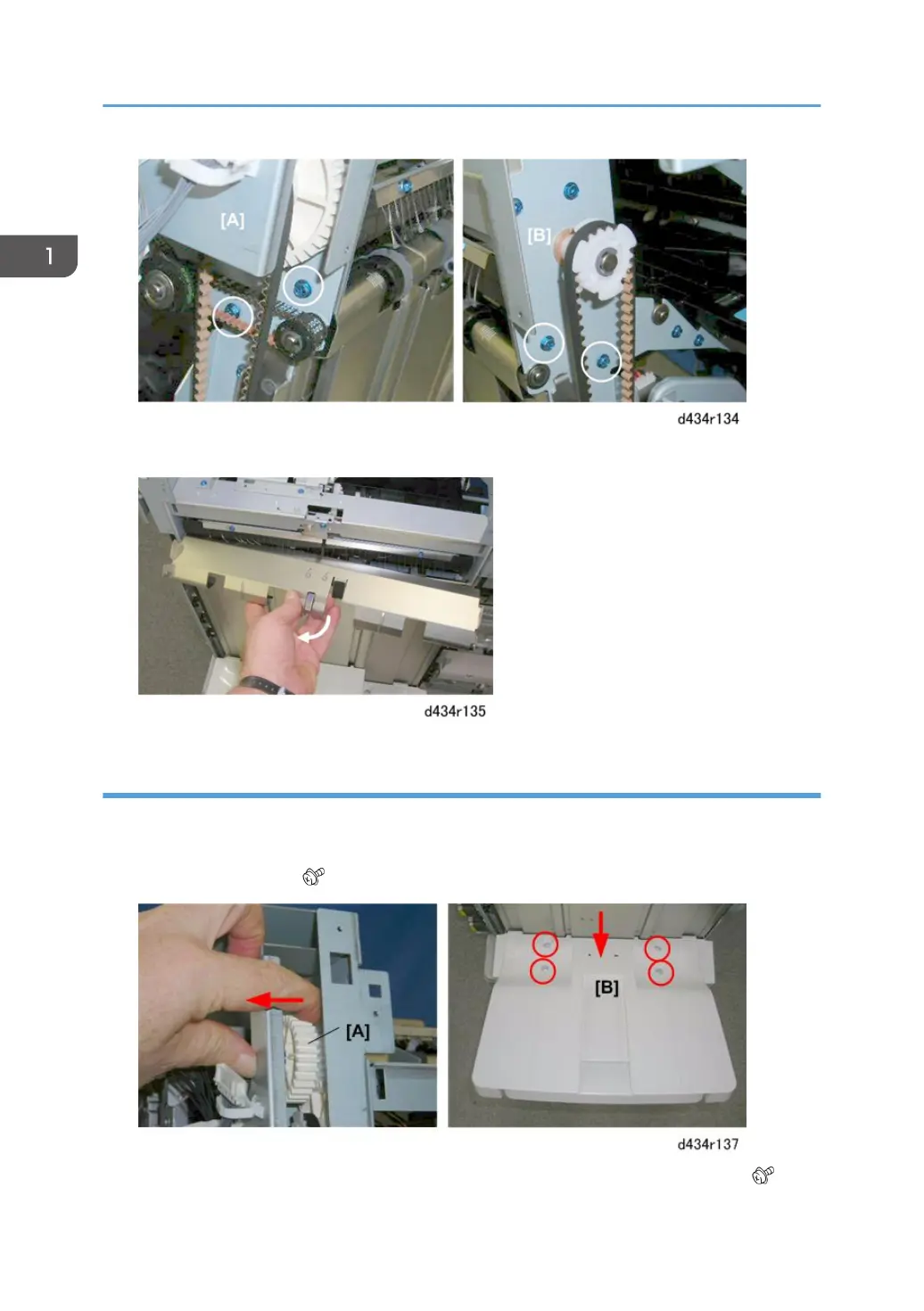
3. Remove the cover.
Shift Tray
1. Support the shift tray with your hand.
2. At the left rear corner, pull the gear [A] toward to release the tray, then lower the tray.
3. Remove the screws [B] ( x3)
4. Support the tray [A] with your hand to prevent it from falling, then remove the last screw. ( x1)
1. Replacement and Adjustment
34



 To Next Page