Horizontal Transport Motor
Preparation
• Rear upper cover (page 15)
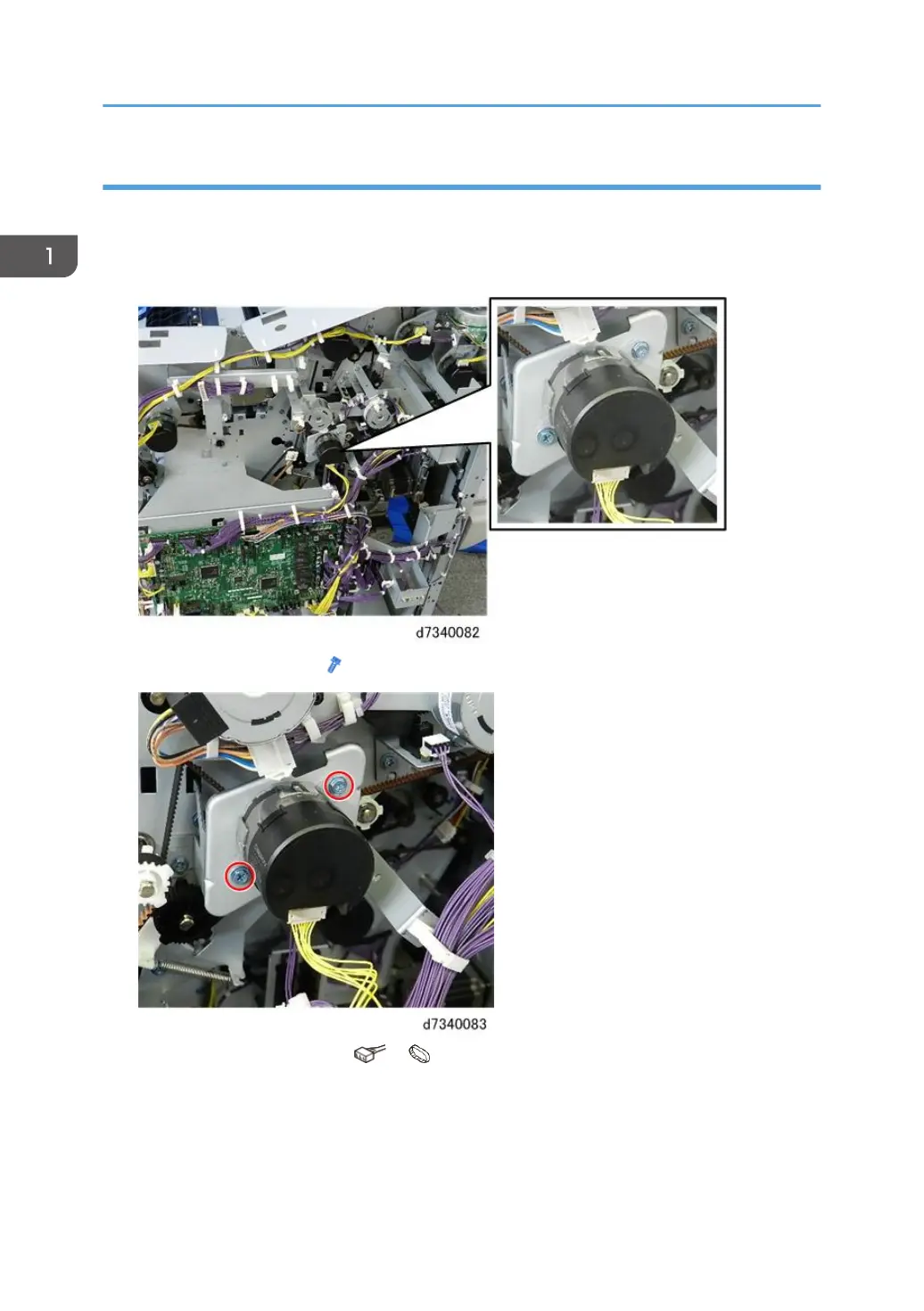
1. The horizontal exit motor is above the right upper corner of the main board.
2. Disconnect motor bracket ( x2).
3. Disconnect and remove motor ( x1, x1).
1. Replacement and Adjustment
52



 To Next Page