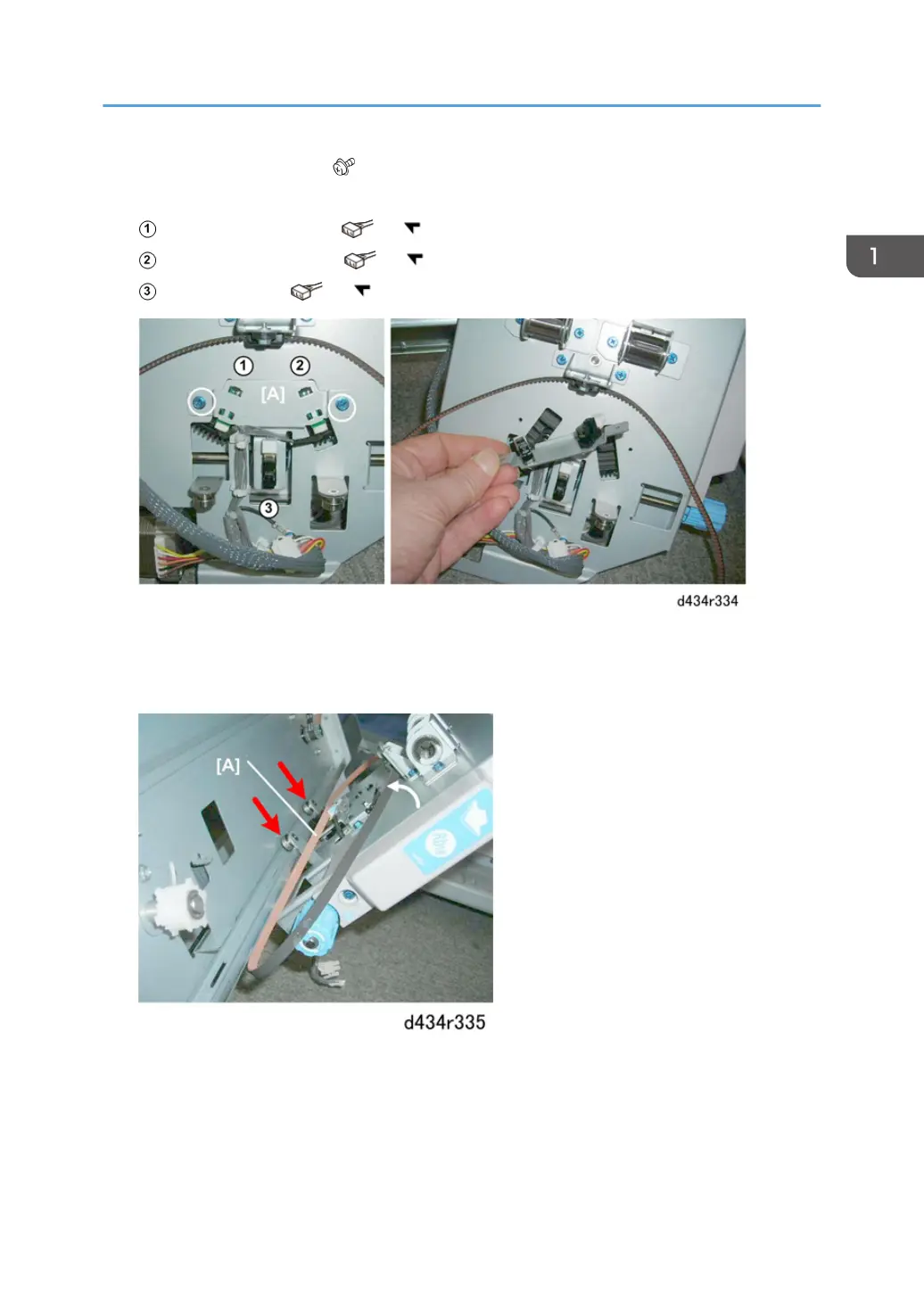
9. Remove sensor bracket [A] ( x2).
Three sensors are on this bracket:
Rotation HP sensor (rear) ( x1, x5)
Rotation HP sensor (front) ( x1, x5)
Stapler HP sensor ( x1, x5)
Re-installation
1. When you set the stapler mount on its rails, make sure the belt [A] is not tangled and above the two
rollers.
Corner Stapler Unit
123



 To Next Page