5
Controls and features
Indicator LED
Lights/ ashes in red or blue to indicate the operation or status of the unit.
PAUSE/CONT key
Press the key to pause measurement (processing), and press the key again
to resume measurement (processing).
During pause in manual processing, the indicator LED ashes in
blue
.
Note
The PAUSE key does not function while the store mode
is Auto or Timer Auto (when the optional VX-55EX
is installed).
OUTPUT CAL key
This key serves for level matching between the unit and peripheral equipment.
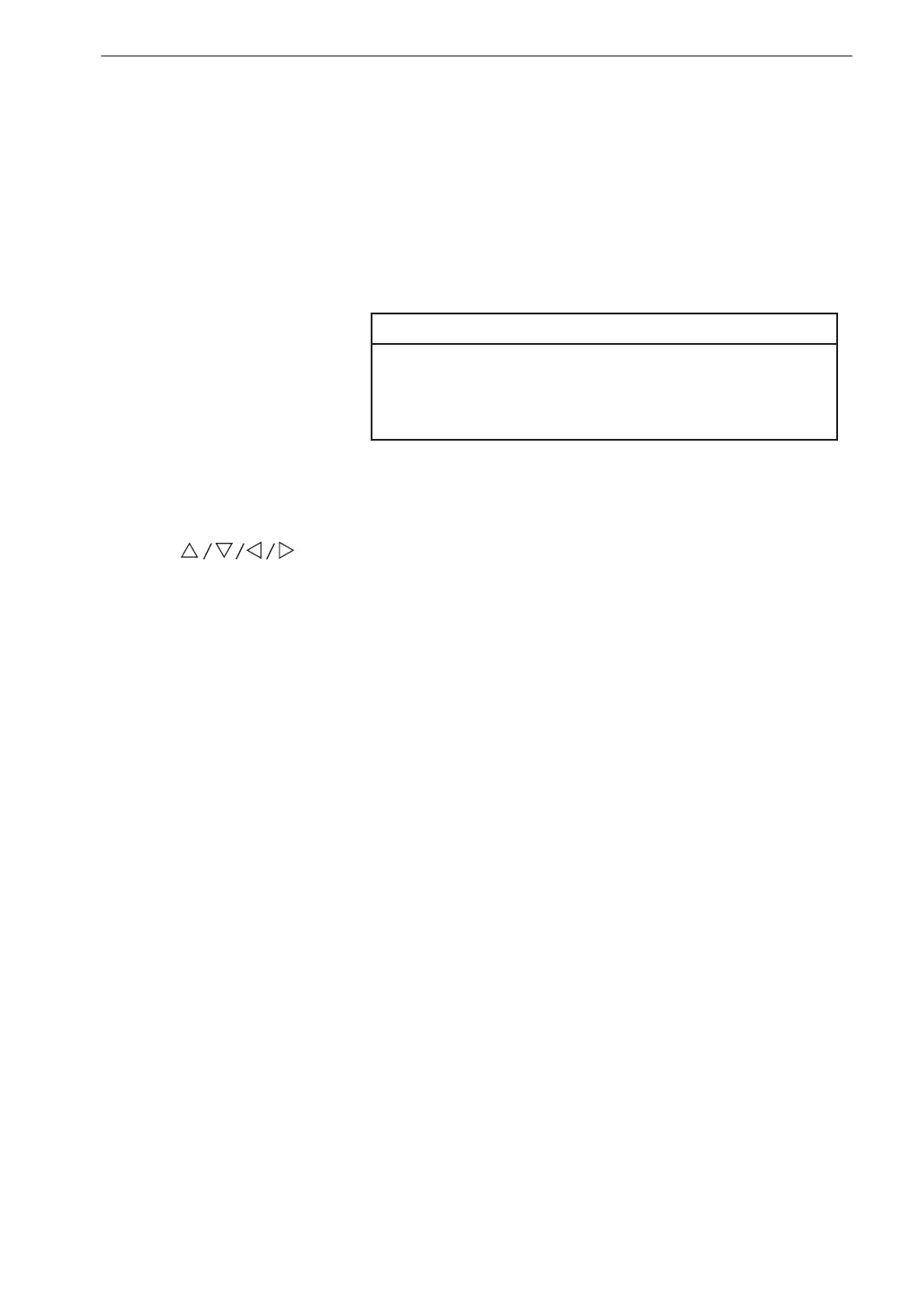
keys
These four keys serve for selecting and setting items on menu screens.
POWER key
Turns power to the unit on and off. The key must be held down for at least
2 seconds to take effect.
MENU/ENTER key
Press this key to make or nalize the setting of an item in a menu or any
other setting.
When the key is pressed at the measurement screen, the menu list screen
comes up.
LIGHT key
This key turns on the display backlight, for easier reading in a dark location.
Press the key again to turn the backlight off.
When the automatic light out function was selected from the menu, the
backlight will turn itself off automatically after the preset time (see page
34).
Also press this key when you want to check the measurement settings in
power-saving standby condition (see page 61).



 To Next Page