48
Reading the Display
Measurement in progress symbol
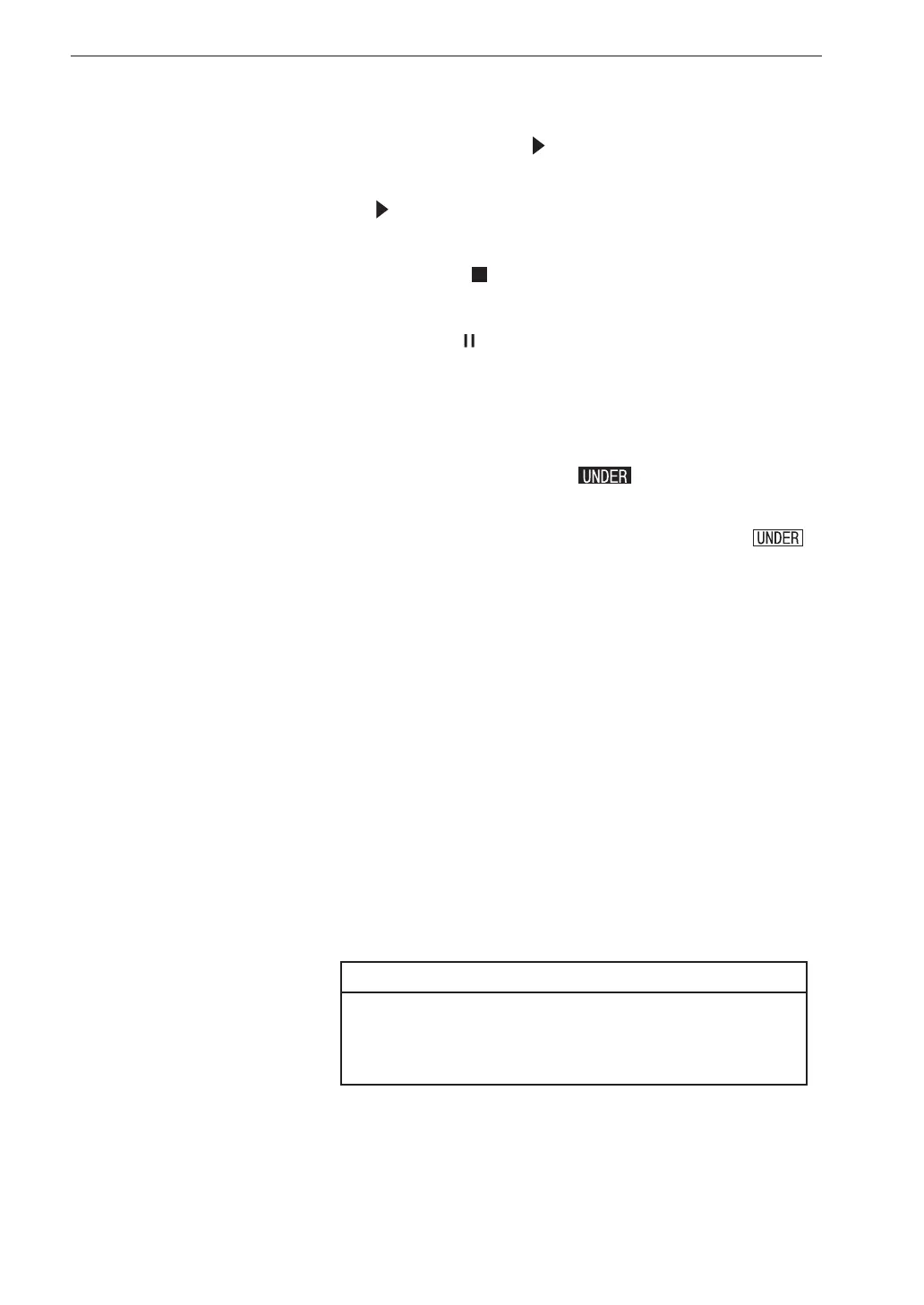
When a measurement is in progress, the symbol ashes. The indicator
LED also ashes in red.
During auto store, the
symbol also ashes. The indicator LED ashes
in red.
During measurement standby, the symbol is shown. The indicator LED
ashes in blue once every 5 seconds.
During measurement pause, the symbol is shown. The indicator LED
ashes in blue.
Under-range indication
When a signal under-range condition of the vibration level or the vibration
acceleration level is detected, the indication
(white on black) is
shown for at least 1 second.
If processed data contain signal under-range data, the indication
is shown. This indication remains on the processed data display screen
until the next processing measurement is started.
Channel
Shows the selected channel.
Delay time
Shows the delayed measurement time set by “Delay Time” (see page 75).
Address
Shows the current memory address. In manual store mode, the indication
is red if there are data in that address.
Store mode
Shows the selected mode for storing data in memory (Manual, Auto, or
Timer Auto) (see page 78).
Note
When the optional Extended Function Program
VX-55EX is not installed, the Auto and Timer Auto
cannot be selected.



 To Next Page