62
Reading the Display
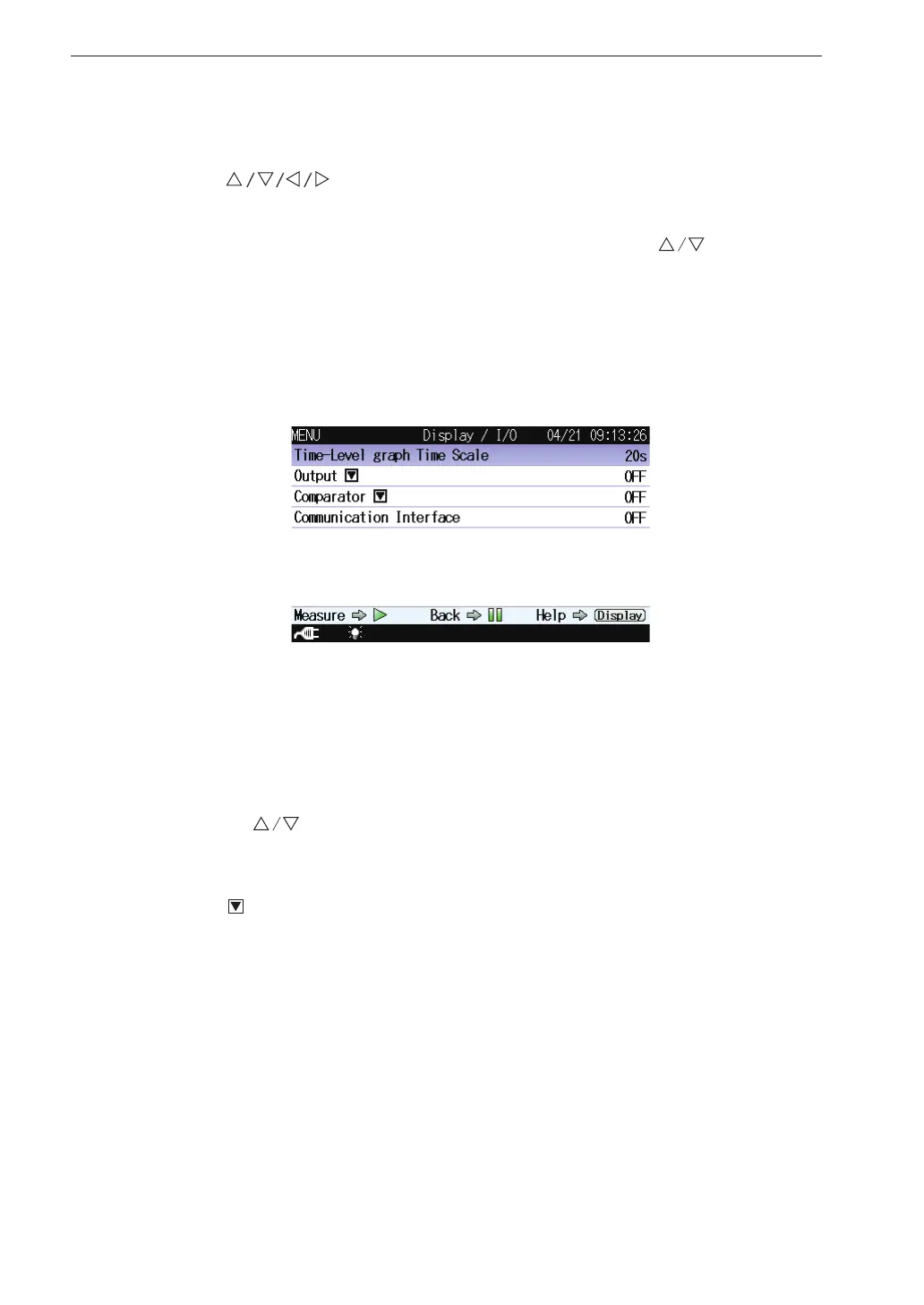
Display / I/O
This screen sets the type of output signal etc.
Use the
keys to select [Display / I/O] and press the MENU/
ENTER key. The display / I/O screen appears.
Each item of the display / I/O screen is selected using the key.
Pressing the DISPLAY key displays explanation screen of the item that has
been selected.
Pressing the PAUSE/CONT key switches back to the menu list screen.
Pressing the START/STOP key switches back to the measurement screen.
Time-Level graph Time Scale
Displays the screen to select the time scale of the time-level graph.
Select [Time-Level graph Time Scale] and press the MENU/ENTER key.
The Time-Level graph Time Scale setting screen appears.
Use the keys to select the time scale (20s, 1min, 2min) and press
the MENU/ENTER key.
Output
Displays the screen to select the signal output from the OUTPUT con-
nectors of the unit.
Select [Output] and press the MENU/ENTER key. The output screen
appears (see page 105).



 To Next Page