65
Reading the Display
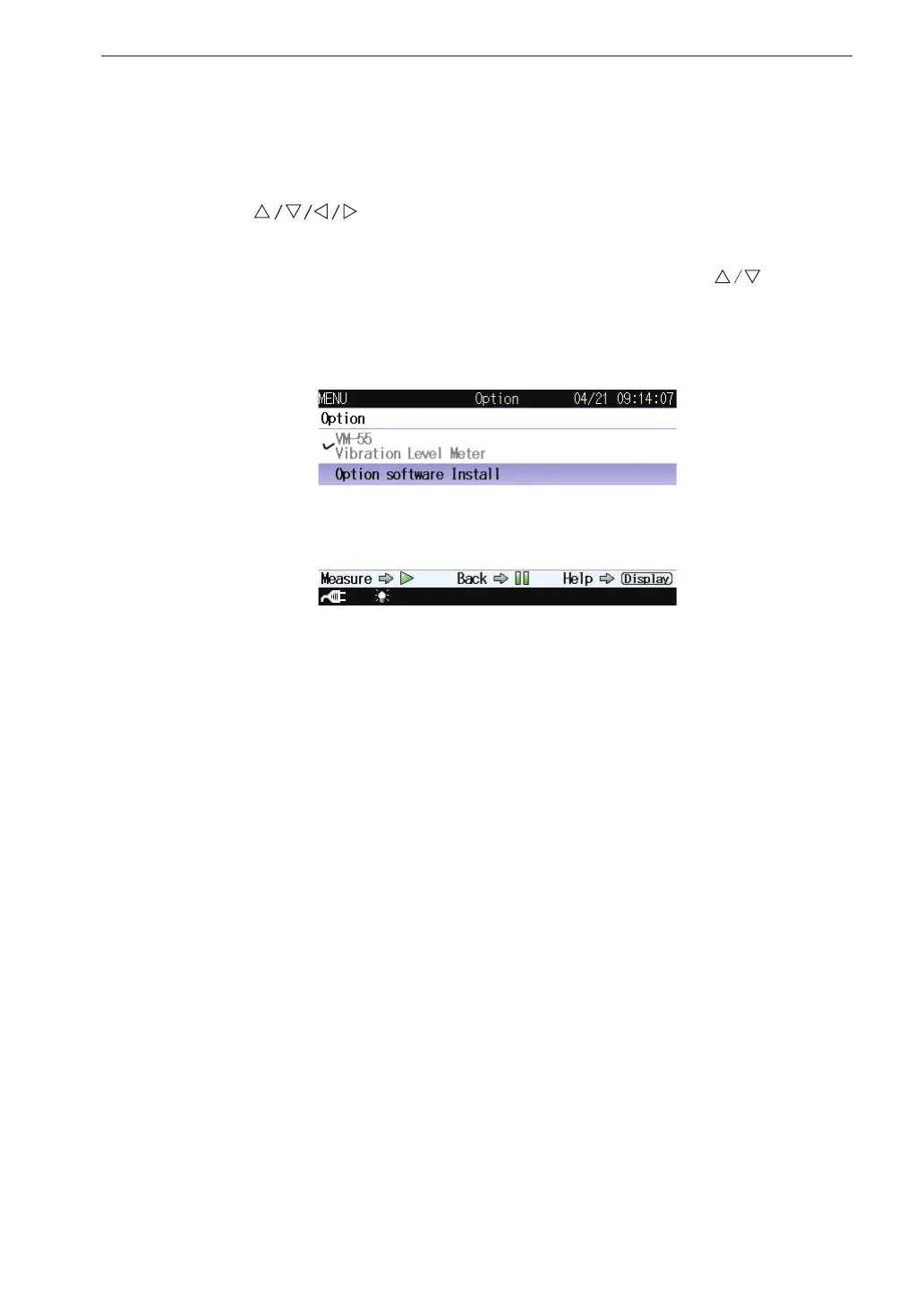
Option
This screen switches the function from the unit to each program when an
optional program is installed.
Use the
keys to select [Option] and press the MENU/ENTER
key. The option screen appears.
Each item of the switch function screen is selected using the key.
Pressing the PAUSE/CONT key switches back to the menu list screen.
Pressing the START/STOP key switches back to the measurement screen.
Option
Select a desired program name to switch the function.
Select the program name to be used and press the MENU/ENTER key.
Program names which are not installed will not be displayed.



 To Next Page