66
Reading the Display
Measure
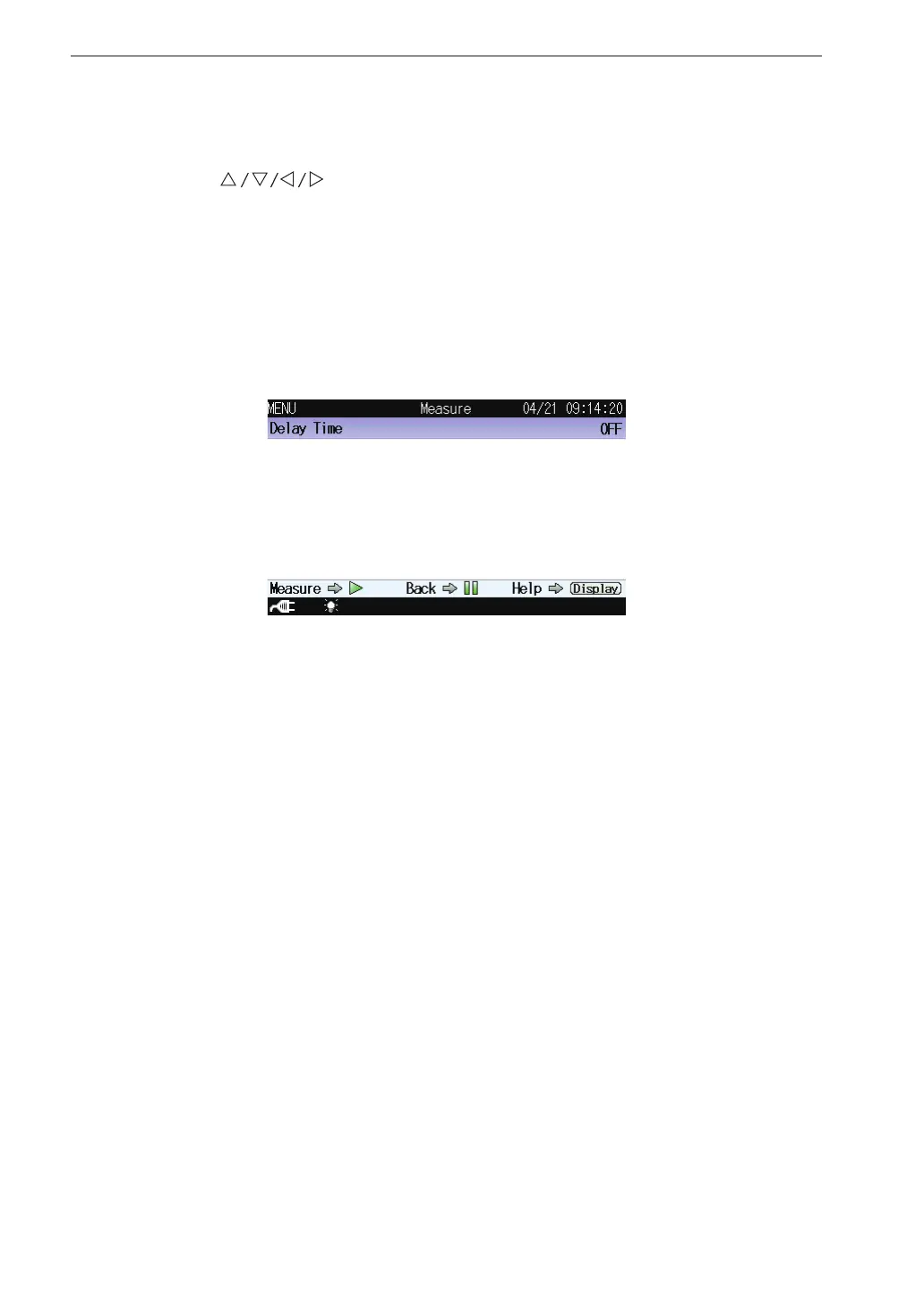
This screen sets the delay time
Use the
keys to select [Measure] and press the MENU/ENTER
key. The measurement setting screen appears.
Pressing the DISPLAY key displays explanation screen of the item that has
been selected.
Pressing the PAUSE/CONT key switches back to the menu list screen.
Pressing the START/STOP key switches back to the measurement screen.
Delay Time
Displays the screen to select the delayed measurement time that is an
interval starting at the point the start key is pressed.
Select [Delay Time] and press the MENU/ENTER key. The delay time
screen appears (see page 75).
The delayed measurement is invalid at Timer Auto store.



 To Next Page