69
Reading the Display
Copy to the card (only internal memory data)
Copies the selected internal memory data le to the inserted SD memory
card.
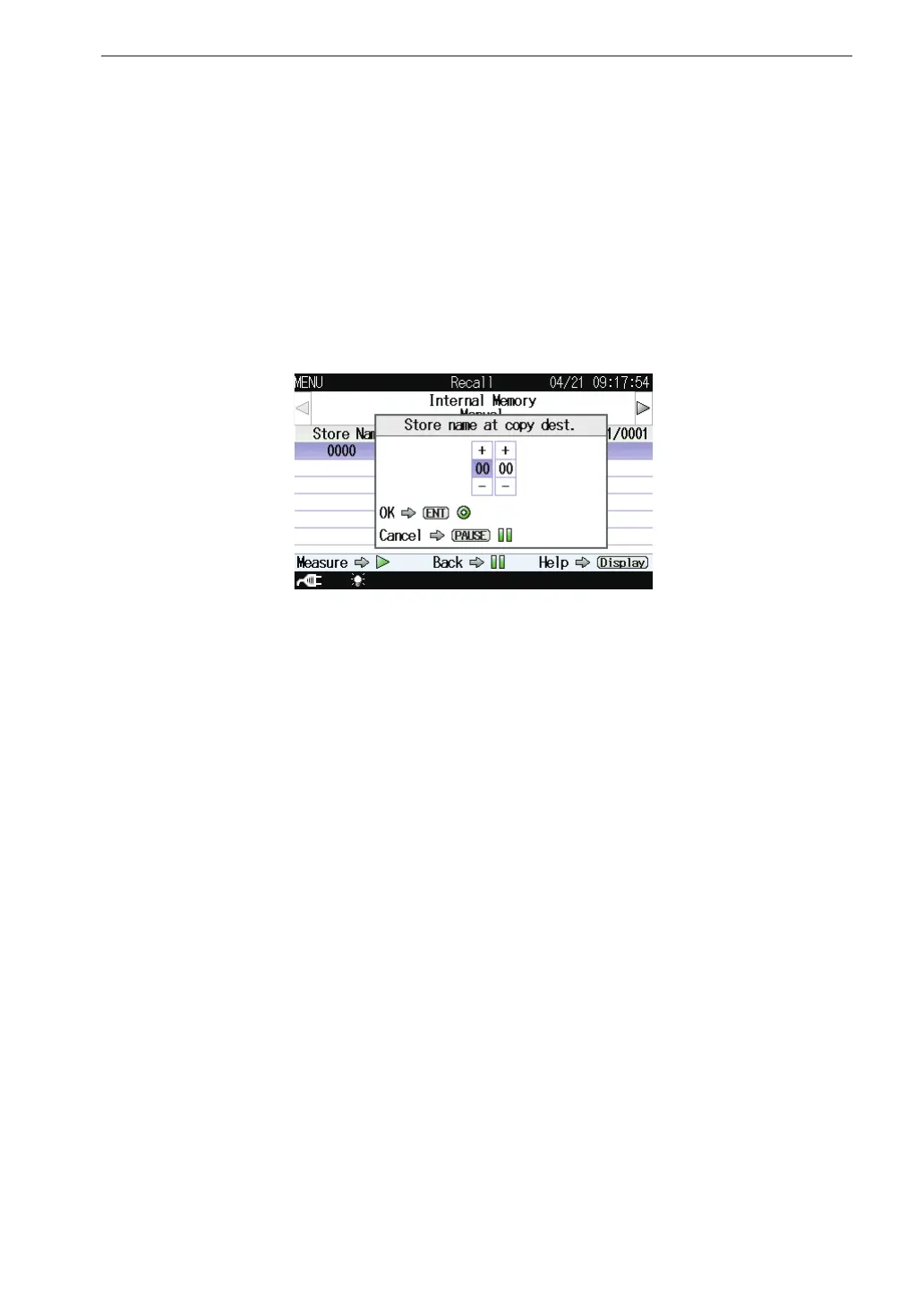
Select [Copy to the card] and press the MENU/ENTER key. The store
name set screen appears.
Set the store name (number of four digits) at the copy destination and
press the MENU/ENTER key.
Cancel
Shuts the le processing screen.
Select [Cancel] and press the MENU/ENTER key.



 To Next Page