68
Reading the Display
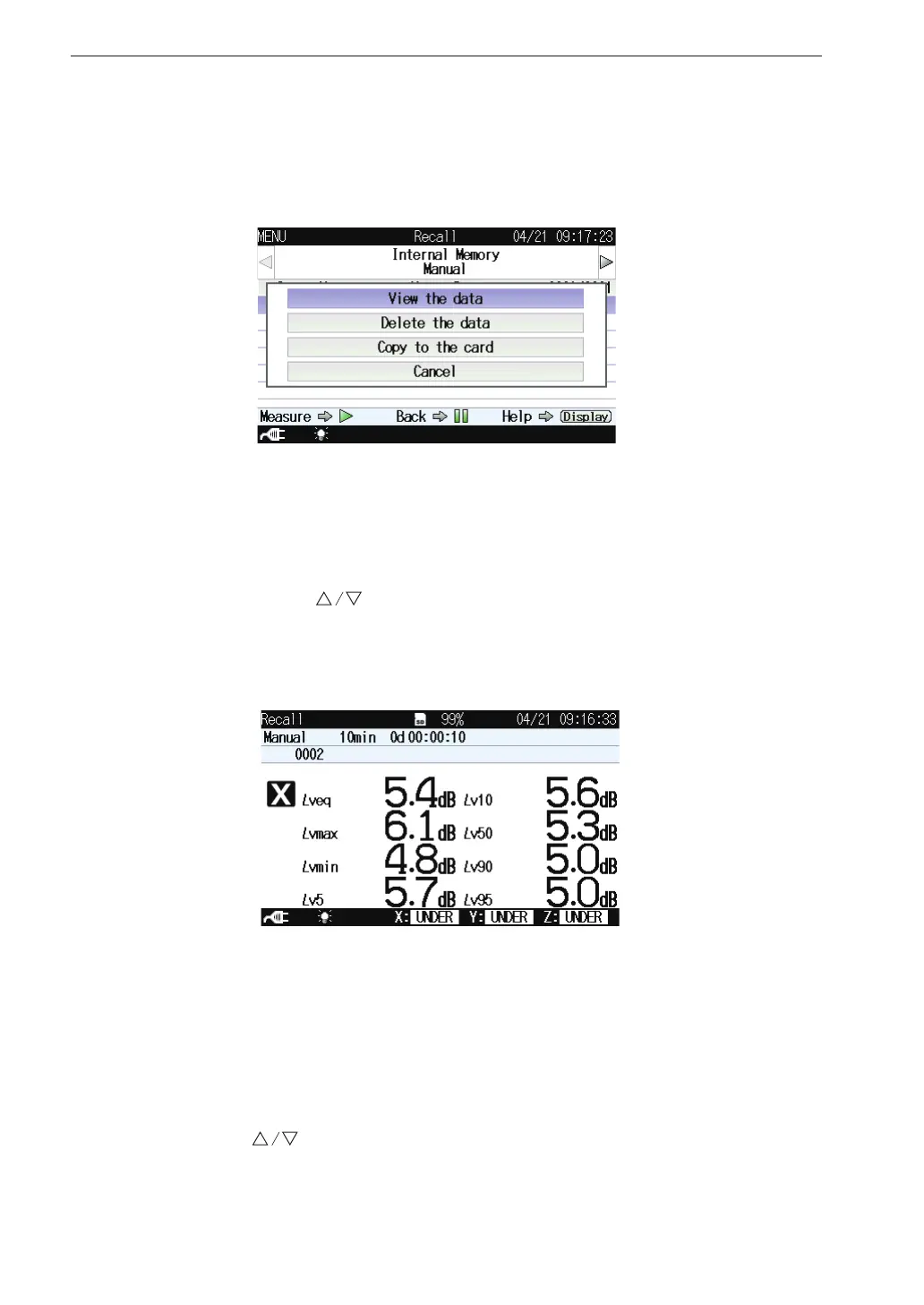
Select data le and press the MENU/ENTER key. The le processing screen
appears.
View the data
Displays the measurement data of the selected data le.
Select [View the data] and press the MENU/ENTER key.
You can use the keys to display data stored at higher or lower address
numbers.
Delete the data
Deletes the selected data le.
Select [Delete the data] and press the MENU/ENTER key. The con rmation
screen appears.
Use the keys to select [Yes] and press the MENU/ENTER key.



 To Next Page