106
\
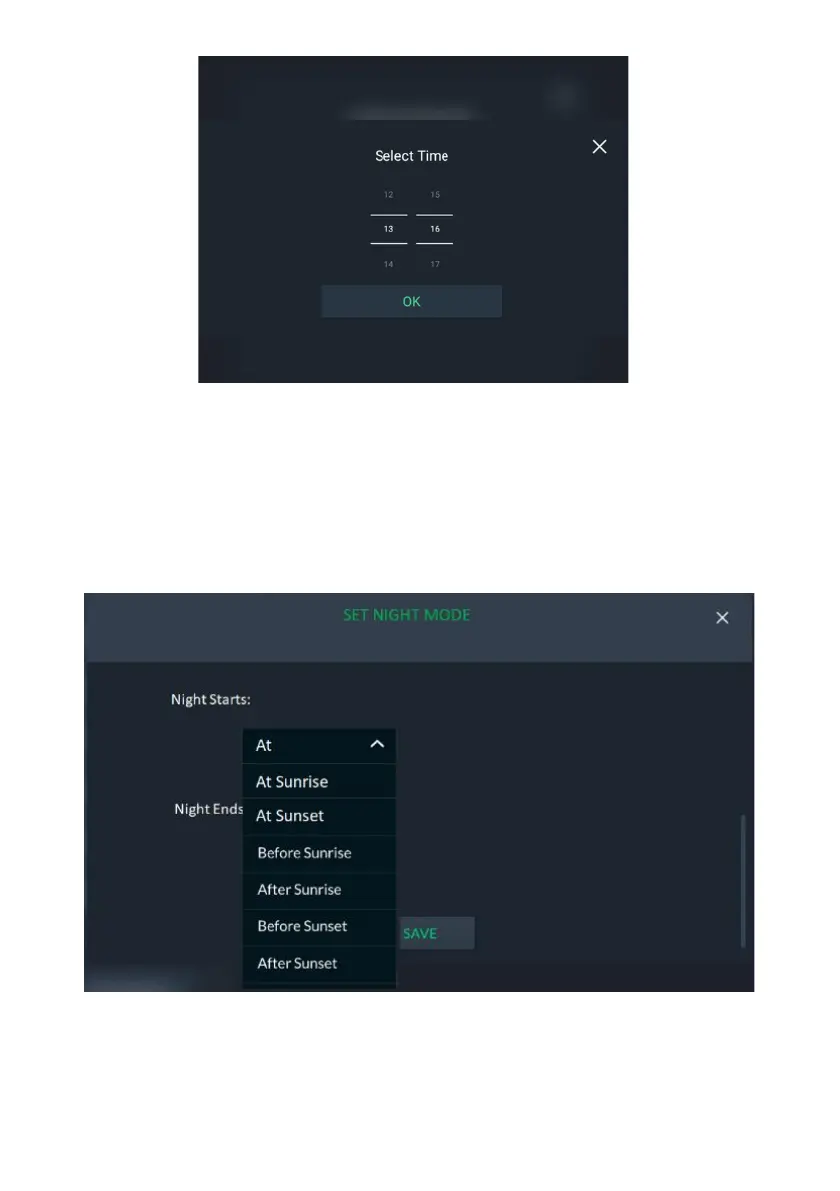
Figure 116: Set Time Screen
2. Set the time for the start/end of Night Mode (from 00:00 to 23:59).
3. Click the “OK” button.
To Set Night Mode before/after Sunset/Sunrise:
1. Click the dropdown list and select either Before Sunrise, After Sunrise, Before
Sunset or After Sunset.
Figure 117: Set Night Mode Option Screen
2. Set the before/after time for the start/end of Night Mode.



 To Next Page
 Loading...



