38
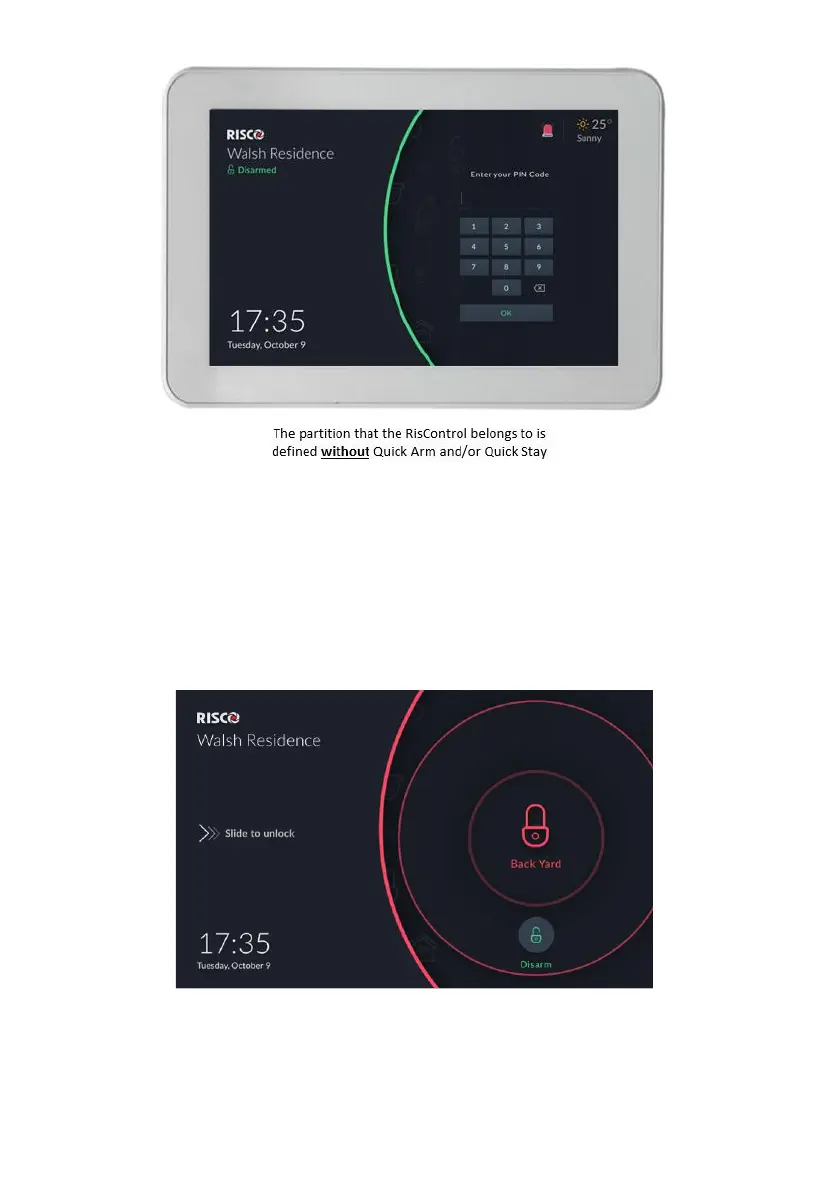
Figure 34: Quick Buttons not Defined in Lock Screen
In this state, the user can enter the PIN Code only to unlock and enter the
RisControl and to click the Emergency button, in case of emergency.
The Lock Screen during Incoming Alarm
While in Lock Screen and when there is an alarm assigned to one or more
partitions in RisControl, the Lock Screen will change to the following screen.
Figure 35: Incoming Alarm in Lock Screen
The Alarm indication will be accompanied with a beep sound. The user can either
click the “Disarm” button (the user will then be required to enter a valid PIN Code)
and will then enter the RisControl.



 To Next Page
 Loading...



