89
RULES
Rules allow you to operate a pre-set sequence of alarm commands and smart home
devices. Rules can be triggered by manually pressing a button, by a daily, weekly
or monthly schedule or by system events.
There are three types of rules, as follows:
• Manual Rule - manual activation of rules
• Schedule Rule - activation of rules at a specific time of day on a daily, weekly,
monthly, or yearly basis
• Event Rule - activation of rules that are triggered by a security event in a
partition or detector, or by a changed event in a smart home device.
Adding a New Rule
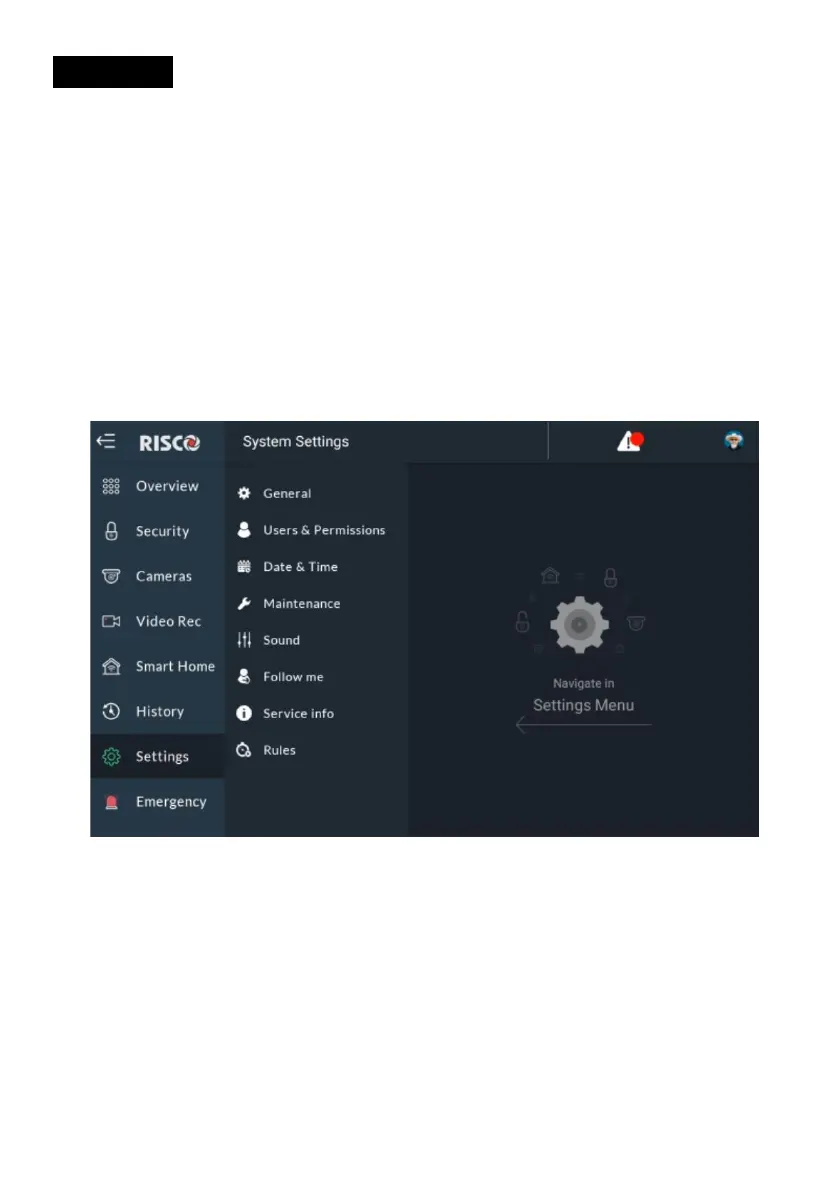
Figure 93: Accessing Rules Screen
1. From the Settings Menu, click the Rules side tab; the following screen is
displayed.



 To Next Page