103
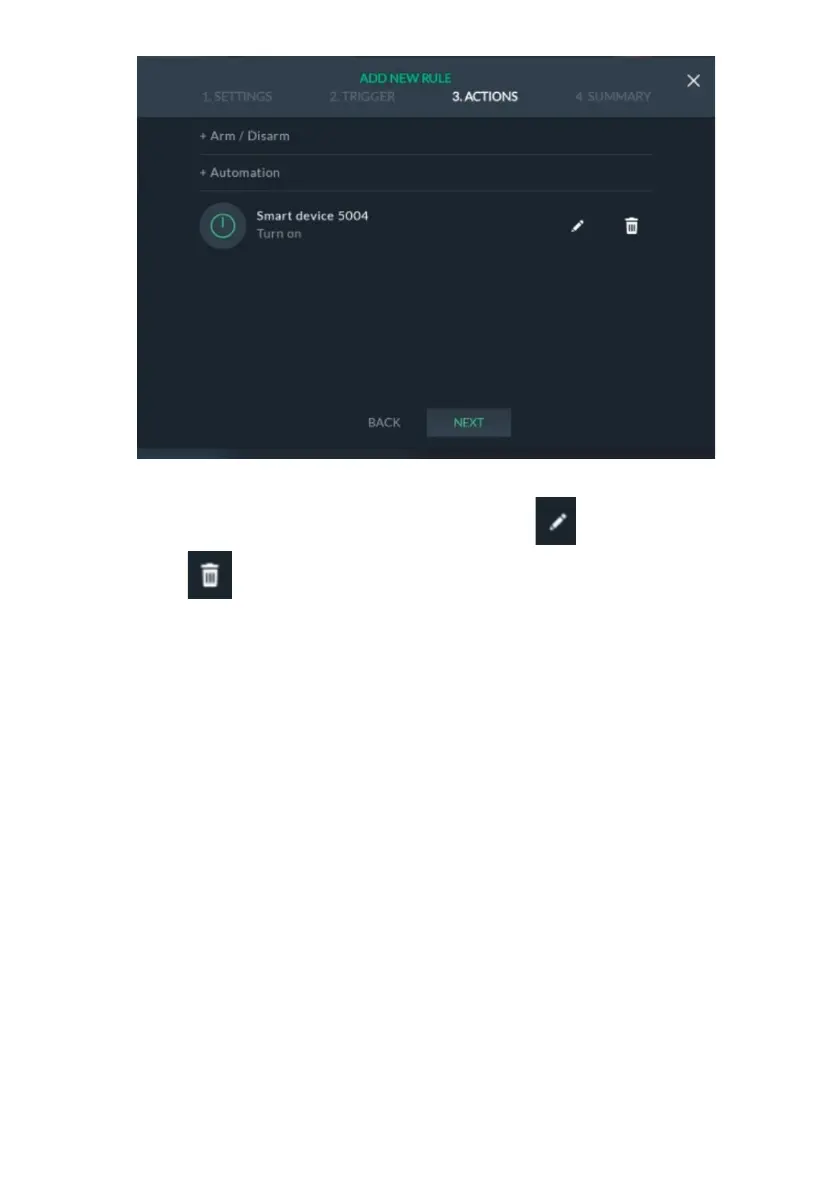
Figure 112: Actions – Automation Device Example Screen
You can now click “NEXT” to go to SUMMARY, click to make changes to the
device or click to delete the device from the rule.
View Rules Summary
You can view a summary of the rules settings before saving the rule.
Note: The Summary screen varies according to Manual / Schedule / Event Trigger.
1. Click the “4.SUMMARY” tab; the following screen is displayed.



 To Next Page
 Loading...



