23
Step 8b – Adding Slaves to the Master Smart Home Gateway
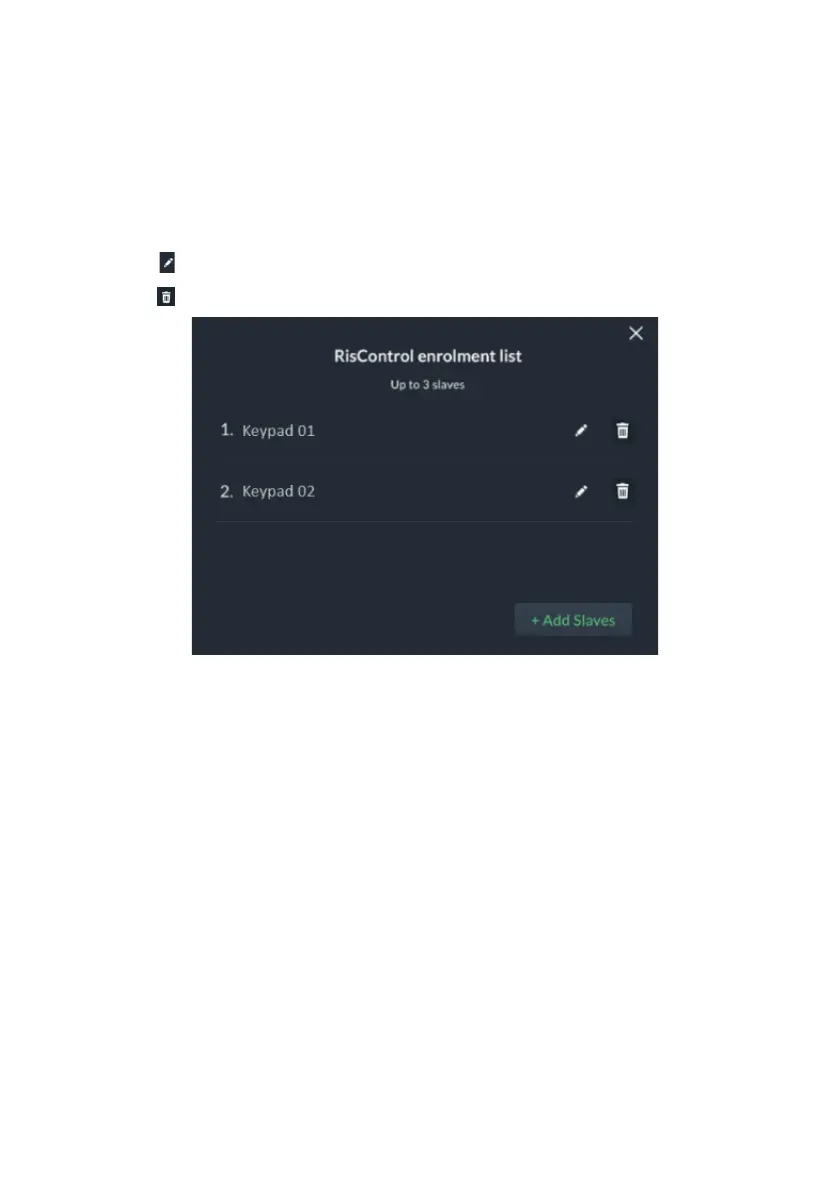
1. In Enrolled Riscontrol Slaves, click the “View” button.
The screen that opens displays a list of enrolled Slave Gateways in the Master
Smart Home Gateway.
2. Perform one of the following:
• Click “+Add Slaves” to add (enroll) a Slave Gateway (up to 3)
• Click to edit a Slave Gateway name
• Click to remove a Slave Gateway from the Master Smart Home Gateway
Figure 16: Adding Slaves to Master Smart Home Gateway Screen



 To Next Page
 Loading...



