105
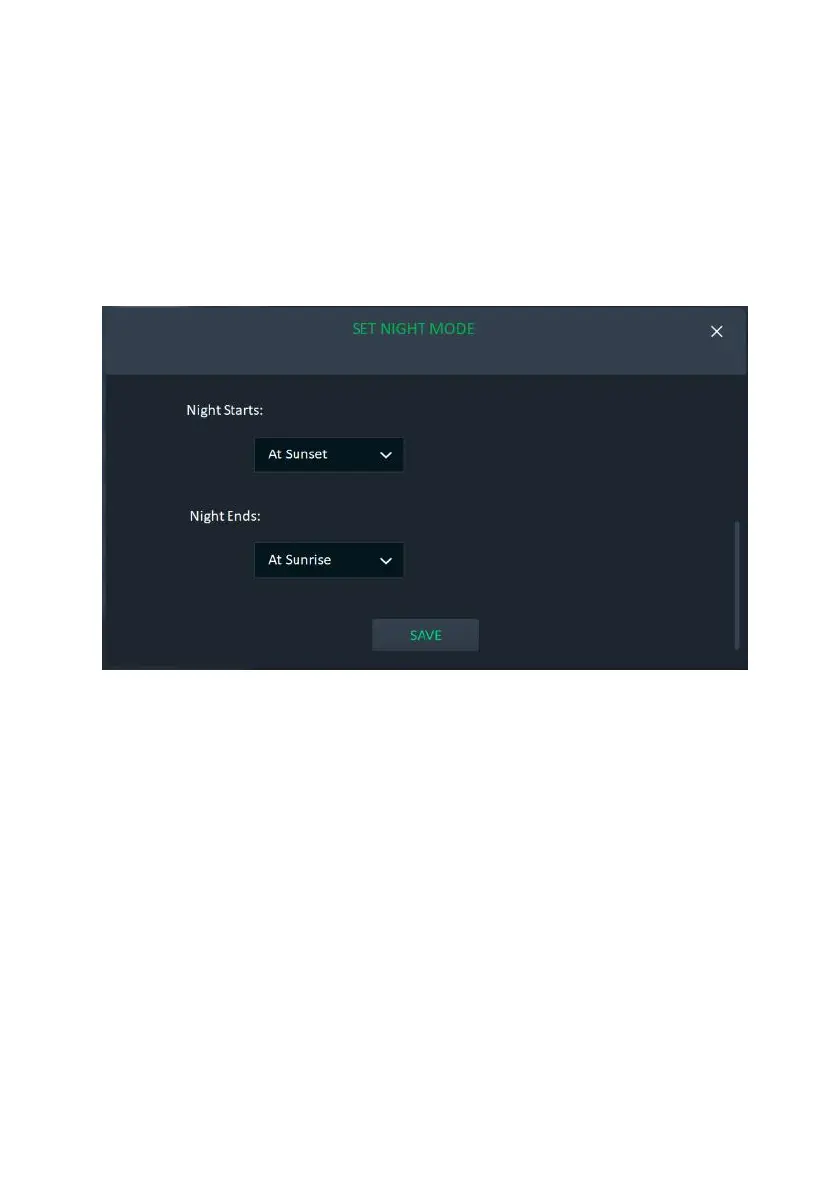
Set Night Mode
Night Mode is used when the activation of a device follows the triggering of an
event condition only during nighttime. For example, switching on a light switch
during the night.
You can set specific time parameters to designate Night Mode.
1. From the Rules screen above , click the “Set Night Mode” button; the following
screen is displayed.
Note: Night Mode is from At Sunset to At Sunrise, by default.
Figure 115: Set Night Mode Screen
2. Under “Night Starts/Ends”, click the arrow and select an option that defines
when Night starts/ends.
3. Click the “SAVE” button
To Set Night Mode according to specific times:
1. Click “At’; the following time frame screen opens:



 To Next Page
 Loading...



