17
IMPORTANT!
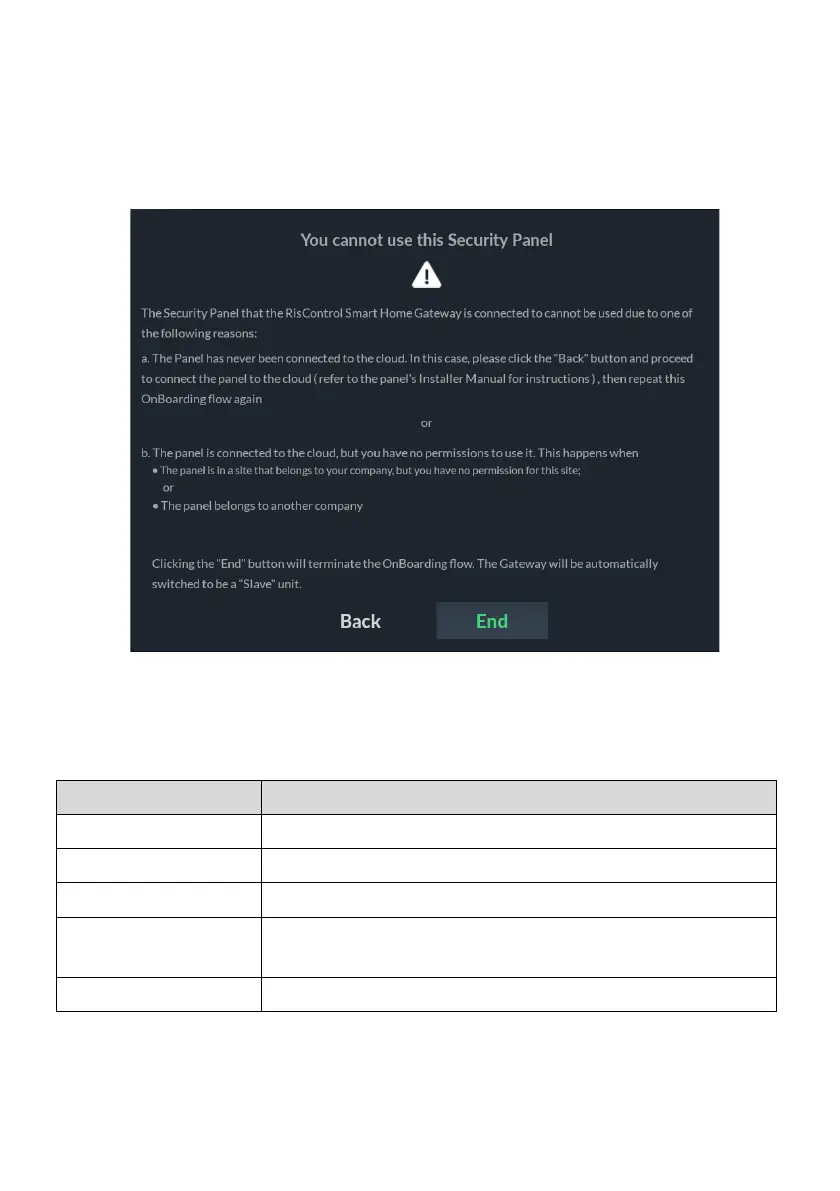
The following screen is displayed when the installer cannot use the control panel
for the reasons mentioned on the screen.
Click the “BACK” button and correct as required or click the “END” button to
terminate the setup procedure.
Figure 9: Important Security Panel Screen
Step 5a: Create a New Site
Enter the site details and then click the “NEXT” button:



 To Next Page
 Loading...



