57
Video Cameras
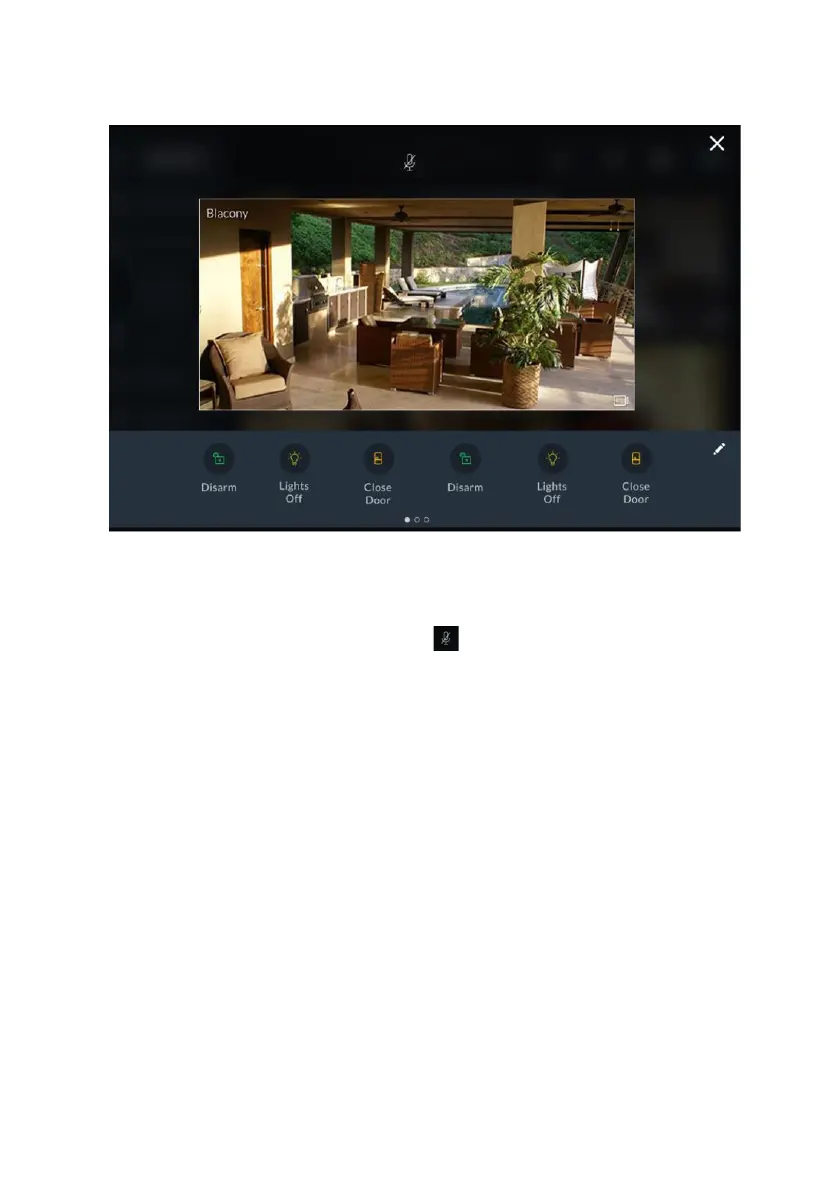
Click any of the P2P Cameras in the screen to view live video from that camera.
Figure 54: P2P Camera Live Video Screen
From the Live Video screen of the P2P camera, the user will be able to hear audio
from the camera’s microphone. However, the user’s own voice will be muted and
will not be heard via the camera. Click the icon at the top of the screen to cancel
the mute operation of the RisControl microphone.
Use the Quick Buttons to perform selected activities, (see Quick Buttons, page 59).



 To Next Page
 Loading...



