60
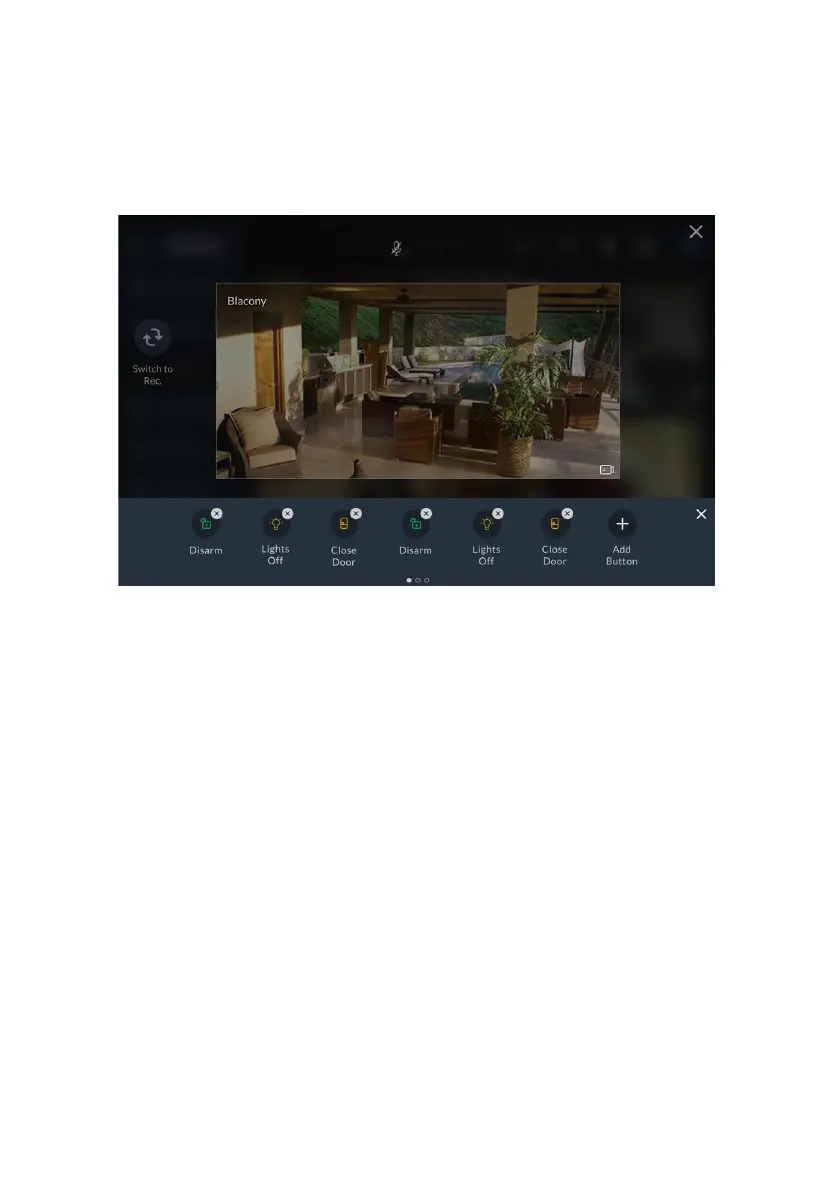
Adding/Removing Quick Buttons from the Tray
Upon entering the edit mode of the Quick Buttons Tray, all the Quick Buttons will
appear with an “x” bubble on them.
To remove the Quick Button from the tray, click the “x” bubble of the Quick
Button.
Figure 58: Adding / Removing Quick Buttons
Adding/Removing Multiple Quick Buttons to/from the Quick Buttons
Tray
1. Click the “+” icon above the tray; a new screen is displayed, listing all the
available commands.
2. Check/uncheck the checkbox next to each command to add/remove the
command to/from the Quick Buttons Tray.



 To Next Page
 Loading...



