98
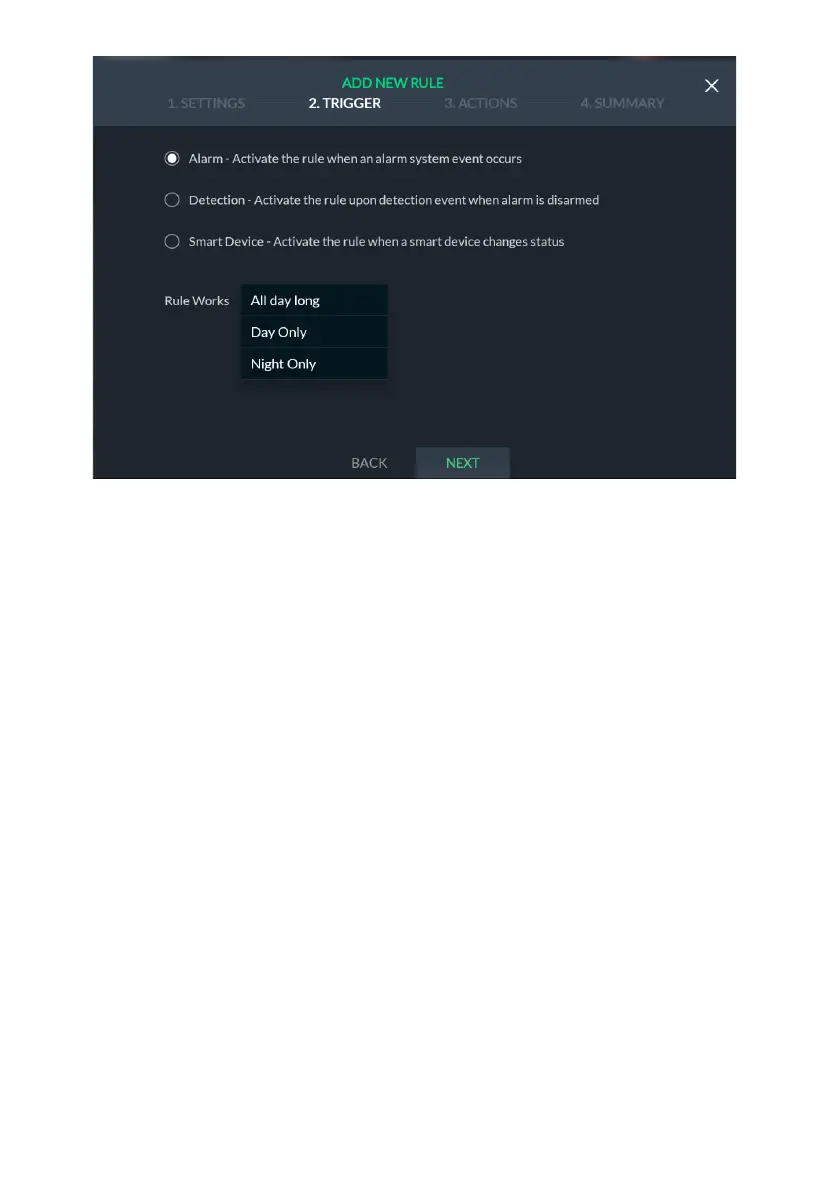
Figure 103: Event Rule Trigger Screen
6. Select to activate the rule when: an alarm system event occurs; upon detection
event when alarm is disarmed; or when a smart device changes status.
7. Under “Rule Works”, click the drop-down list and select one of the available
options:
• All day long: the rule will be active throughout the day
• Night only: the rule will be active only at night
• Day only: the rule will be active only during daytime
8. Click “Next”; the Alarm System Events selection screen is displayed.


 To Next Page
 Loading...



