Emergency stop
Press the EMERGENCY button.
Machine functions stop immediately.
After setting the working conditions back to normal, release the emergency stop button to allow machine operation.
If you wish to continue the interrupted wrapping operation, press the START pedal.
If you wish to start a new processing, proceed as follow:
1. Remove product from the machine.
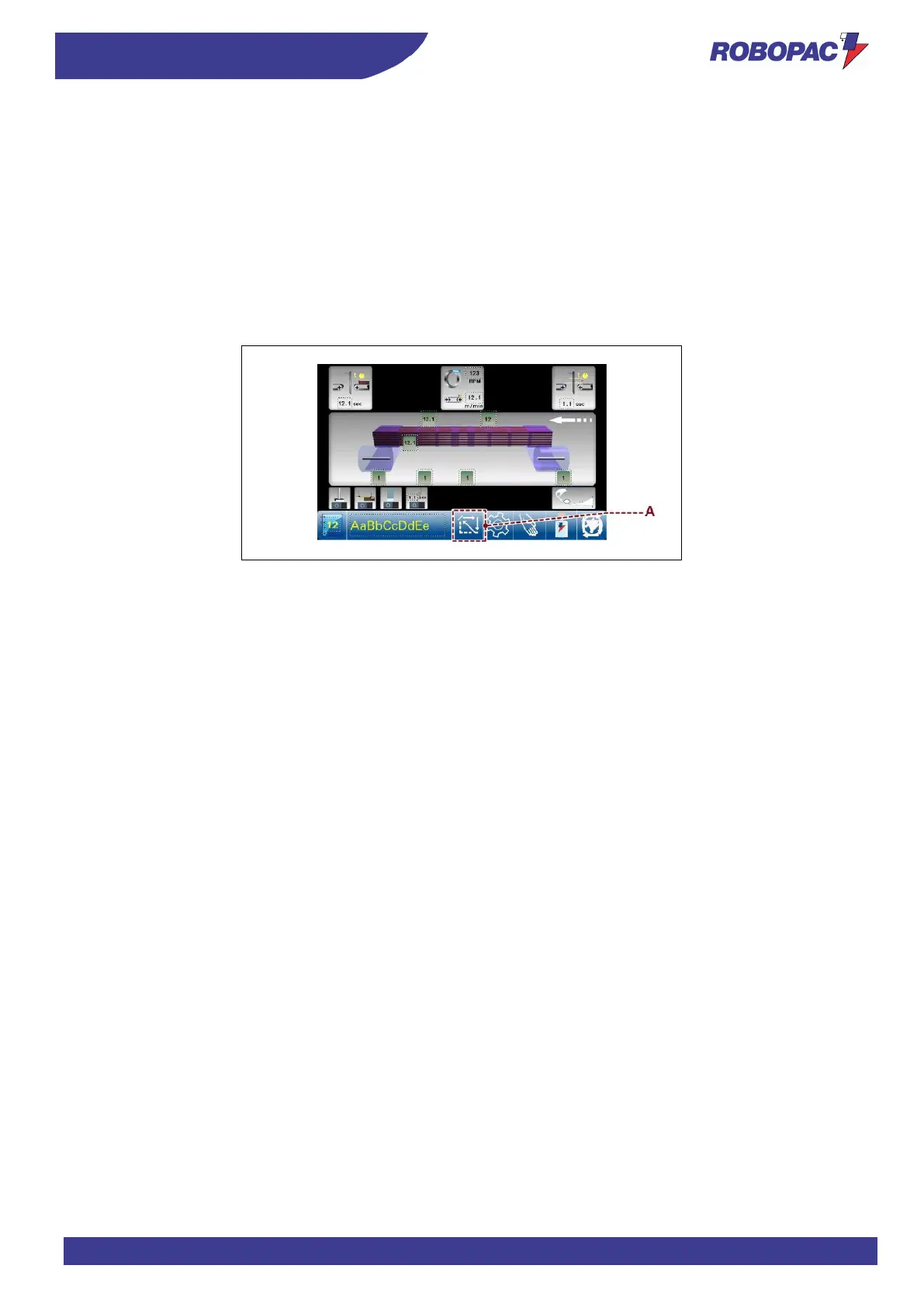
2. Press the key (A) to set up the machine or press the “Reset” button.
3. Block the film in the clamp.
The machine is ready for a new wrapping cycle.



 To Next Page