AX10 Palletizing Solution
1. The Current position field shows the height at which the linear axis is currently positioned.
2. The Move dropdown menu reveals three options:
l
Fixed position: corresponds to the value entered in the field.
l
Relative position: corresponds to a position relative to the current position. The value entered can be positive or
negative.
l
Variable position: corresponds to a position defined by a local or global variable.
3. The Move Here button is used to move the linear axis to the position defined at the Move step. Tap and hold the button to
move the linear axis until it reaches the position defined.
4. Motion - Speed
The speed at which the linear axis will move corresponds to the integer value entered in the field.
5. Motion - Acceleration
The acceleration of the linear axis when in movement corresponds to the integer value entered in the field.
6. When ticked, the Wait for motion completed box instructs the program to wait until the linear axis has completed its move
before executing the following instruction.
7. When ticked, this box instructs the robot to make a protective stop should there be a collision.
5.4. Program Tree
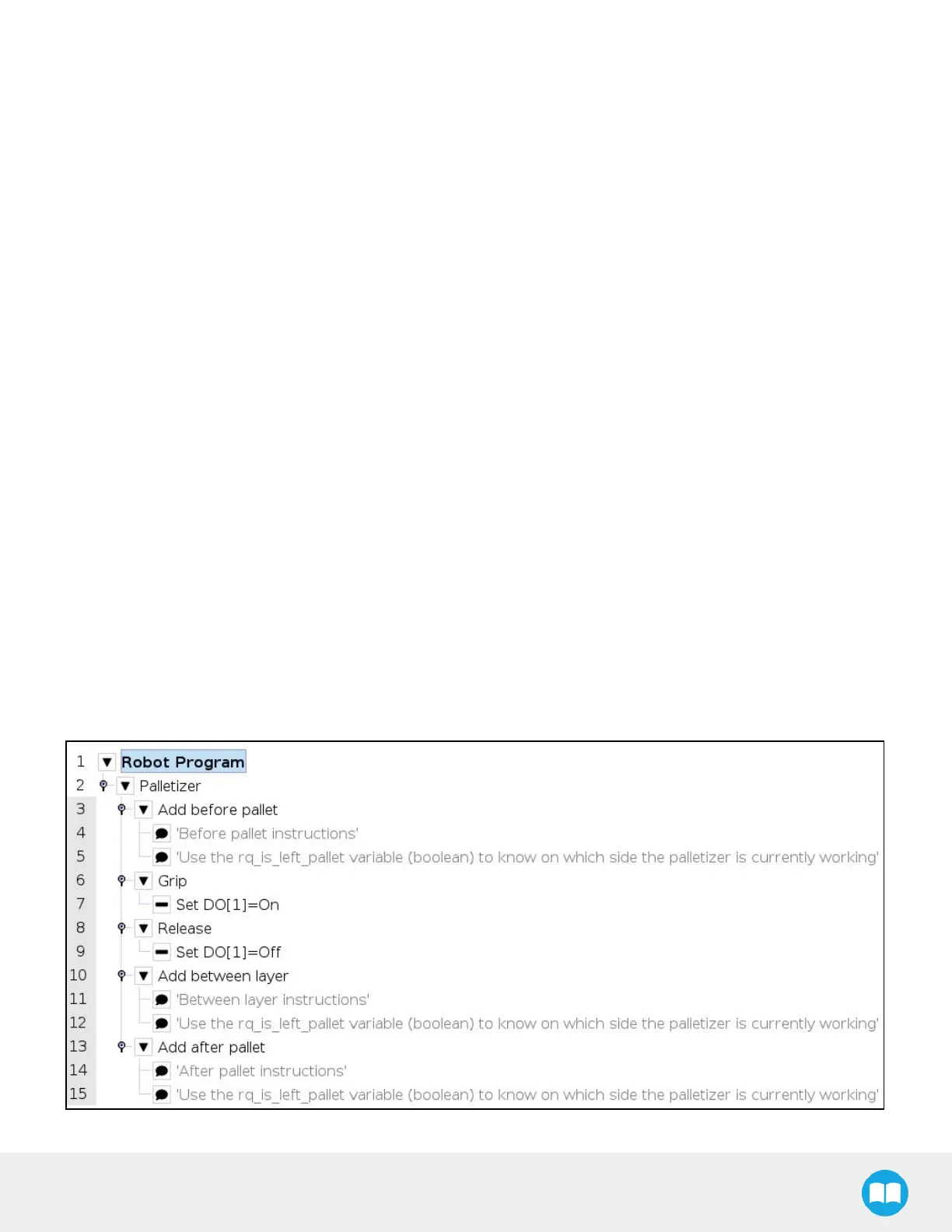
5.4.1. Standard Palletizer Node
Robotiq's Palletizer node provides a quick, versatile, adaptable and efficient way to program palletizing and depalletizing
movements and actions.
Fig. 5-28: Standard Palletizer Node in a Program Tree



 To Next Page