AX10 Palletizing Solution
4. Operation
CAUTION
All information in this section must be read and understood before using the Solution.
4.1. Start Up
Perform the following steps after the mechanical and electrical installation.
1. Make sure the URCap package is installed. Please refer to the URCap Package Installation section for more information.
2. Configure the TCP. Use the appropriate values based on the gripper configuration. Please refer to the Specifications section
for more details.
3. Test the box sensor and the digital inputs : Place an object in front of the box sensor to validate if the signal changes in the
I/O interface of PolyScope.
4. Test the Vacuum Gripper: Make sure the compressed air is supplied. Go to the I/O interface in PolyScope and manually
activate the digital output (DO) that corresponds to the vacuum of the gripper. Repeat for the DO corresponding to the
blow off action of the gripper.
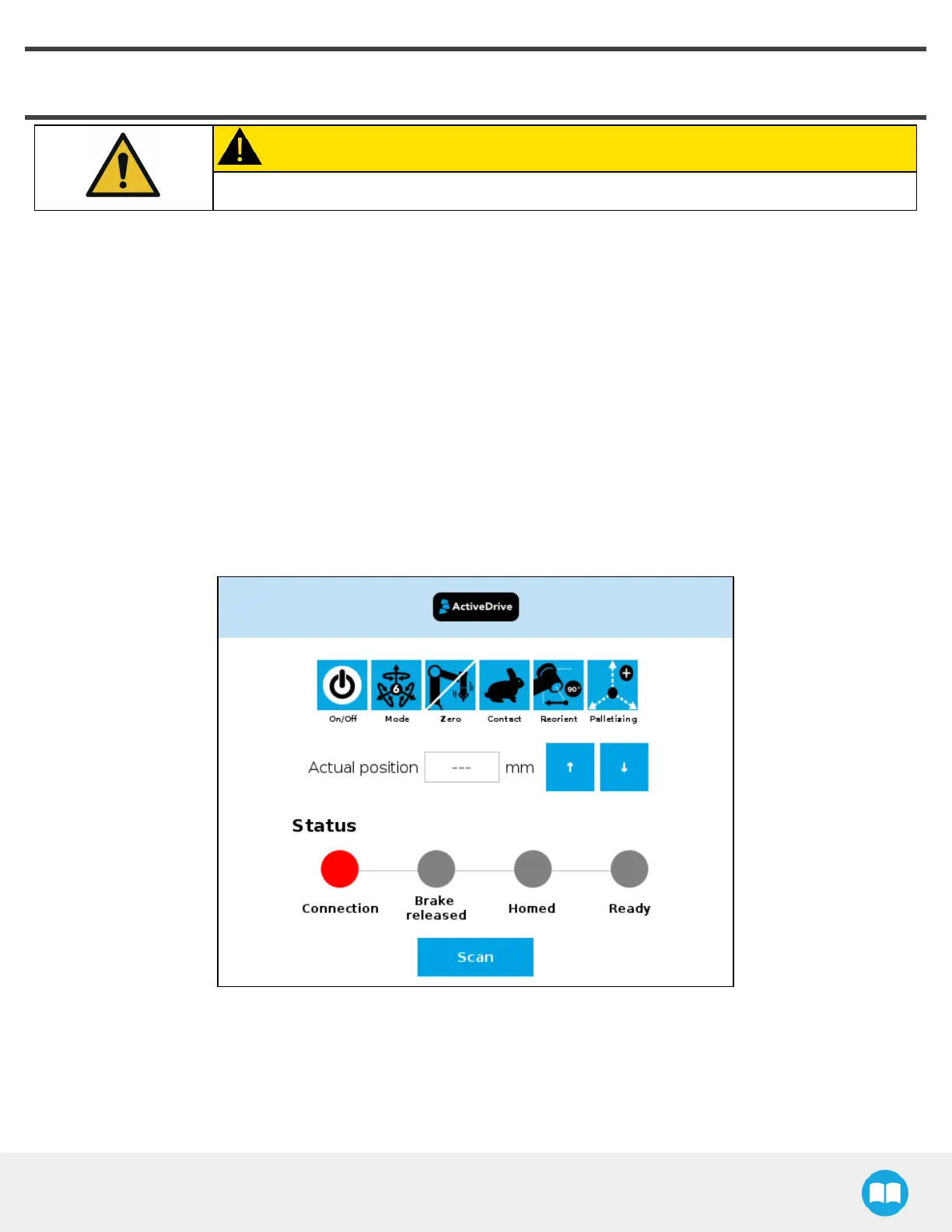
5. Activate and test the linear axis: Tap the UR+ icon → ActiveDrive toolbar→ Palletizing→ Scan (you may have to press the
Start button). Use the arrows to test the linear axis action.
71



 To Next Page