AX10 Palletizing Solution
NOTICE
If required, select the Start linear axis at program start option.
WARNING
Activating the Add virtual ceiling for Palletizer nodes option does not limit the range of the linear
axis when operating outside of the Palletizer node.
Caution must thus be observed when operating the linear axis using the ActiveDrive toolbar or the
Linear Axis move node.
CAUTION
When adding moves other than those generated automatically by the Palletizer node, it is the
responsibility of the user to observe the 25 mm minimum distance at all times.
This option can influence box throughput and affect the furthest positions reachable by the robot end
effector. It should only be used in situations where it is strictly necessary.
CAUTION
Make sure to observe sufficient clearance between any overhead equipment or ceiling, and the
components of the Palletizing Solution.
If required, activate the Add virtual ceiling for Palletizer nodes option.
Enter the height limitation.
This will prevent the components of the Palletizing Solution from extending beyond this limit when in
motion.
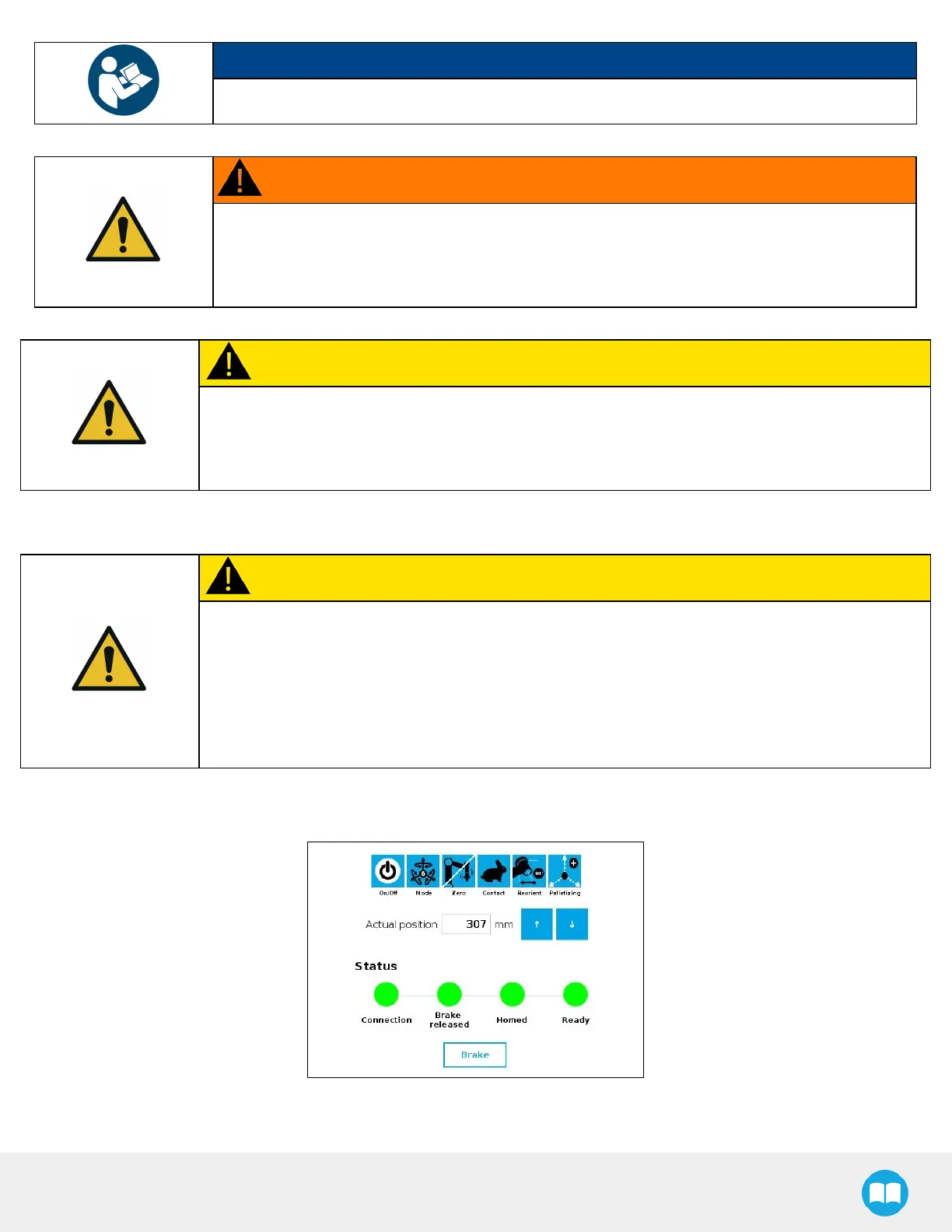
4. Open the ActiveDrive toolbar, tap Palletizing, Scan, then Start. Make sure your linear axis is ready.
Fig. 5-3: ActiveDrive Toolbar Showing the Palletizer and Linear Axis Are Ready
80



 To Next Page