Robotiq Screwdriving Solution - Instruction Manual
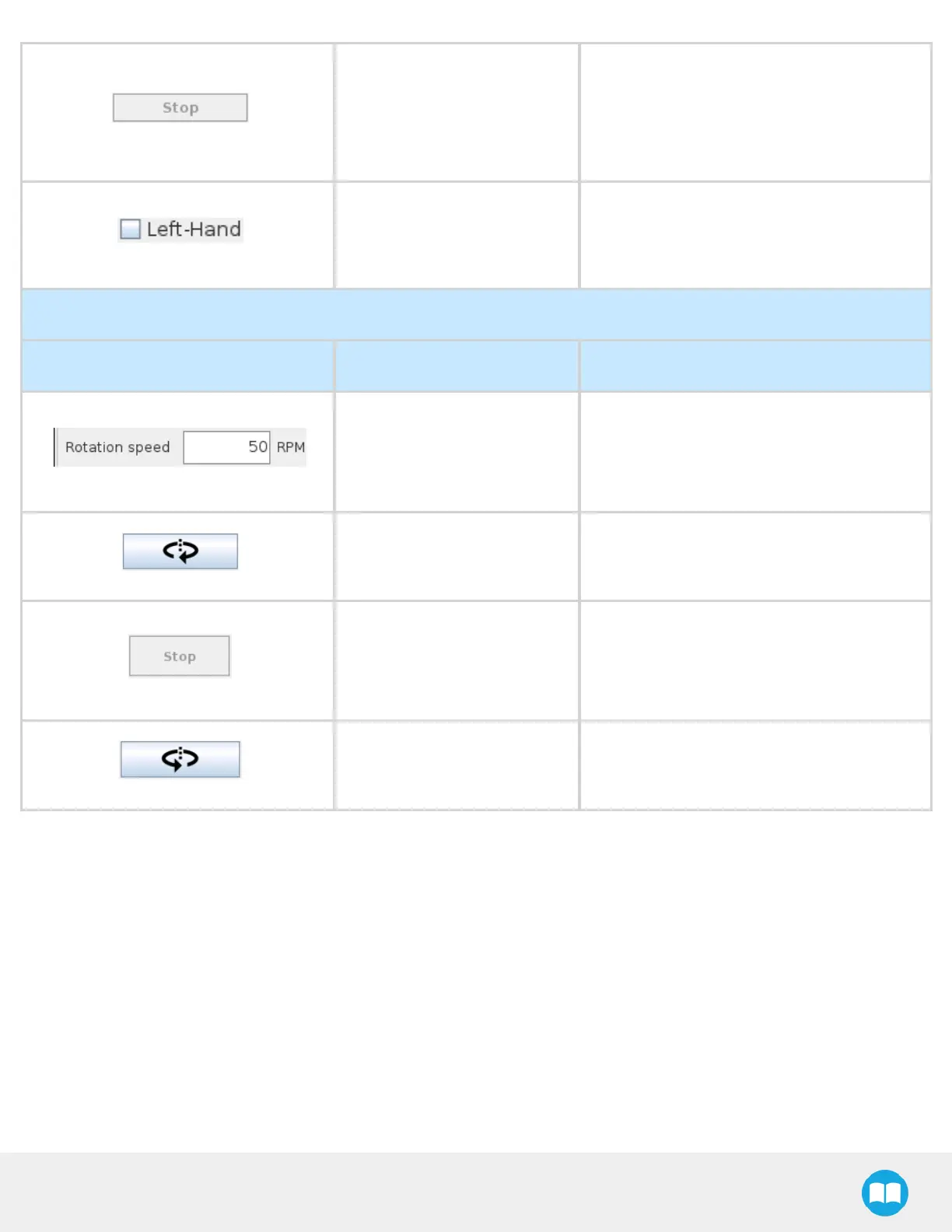
Stop Button
Tapping the Stop button while the Screwdriver
is performing an unscrewing action will stop
that action.
Grayed out by default and after the
unscrewing action has stopped.
Left-Hand Checkbox
Instructs the Screwdriver, when tapping the
Unscrew button, to perform an inverted
unscrewing action, for screws with left-hand
threads.
Turn Section
Visual Support Name Description
Rotation Speed Field
User-defined value (expressed in revolutions
per minute, or RPM) to jog the screwdriving
action.
Default value is 50 RPM.
Turn CW Button
Jogs the screwdriving action clockwise (facing
downwards on the tool’sZ axis)at the speed
defined in the Rotation Speed Field.
Stop Button
Stops the screwdriving action after either the
Turn CW or Turn CCW has been pressed.
Grayed out by default and after the
screwdriving action has been stopped.
Turn CCW Button
Jogs the screwdriving action counterclockwise
(facing downwards on the tool’sZ axis)at the
speed defined in the Rotation Speed Field.
40



 To Next Page