10.Troubleshooting
10.1.Screwdriver Behavior
The Screwdriver goesup and downbefore a successful pick
This indicates that the screw detection via vacuum action isnot optimal.
Please refer to the Vacuum Coupler Adjustment section and optimize the adjustment of the vacuum coupler accordingly.
Screwsare not picked properlyand/orconsistently
l
Make sure you are using the right screwdriving bit.
l
Make sure you are using the vacuum sleeve that corresponds to the screwdriving bit. You can use a different sleeve if it appears
to be more suitable for your application.
l
Make sure the adjustment of the vacuum coupler allowsfor the appropriate holding of the screw against the vacuum sleeve.
Please refer to the Vacuum Coupler Adjustment section and optimize the adjustment of the vacuum coupler accordingly.
l
Make sure the picking position defined is aligned and at a perfect 90-degree angle perpendicular to the Screwdriver and screw-
driving bit. Please refer to the Picking Screw section to orient the device using the ActiveDrive feature.
10.2.Screw Feeder Behavior
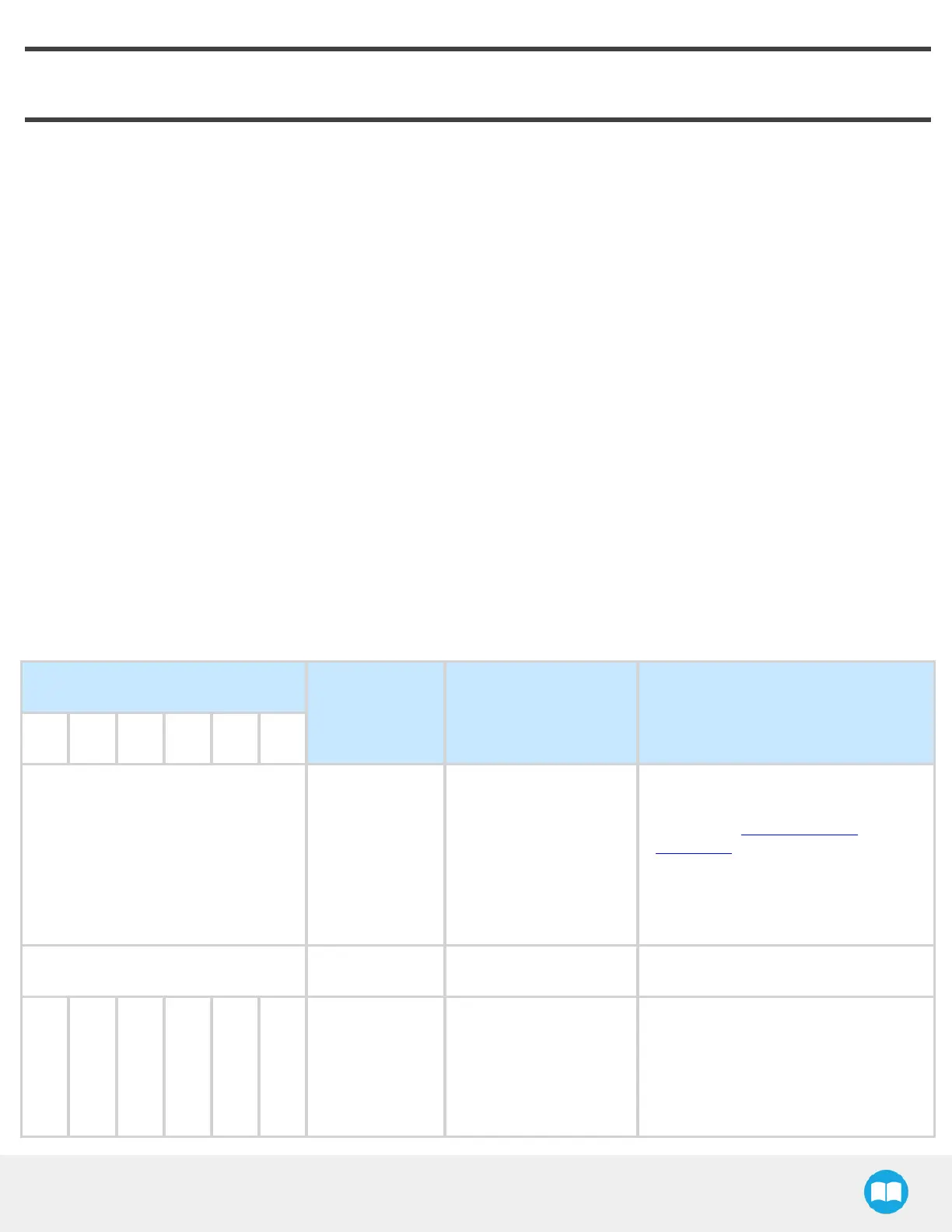
The Screw Feeder uses a periodic, equally timed, 6-pulse Red (R) and Blue (B)code to indicate its operating state. In normal
operating conditions, the Screw Feeder’sstatusLED is solid blue and it turns green when communicating via USB. Other statuses
and faults are detailed in the following table:
STATUSLED
DESCRIPTION POSSIBLECAUSE SOLUTION
1 2 3 4 5 6
SOLID BLUE AND RED (PURPLE) Booting
l
The device is going
through its power on
sequence (no more
than 2 seconds).
l
The device cannot
load the firmware pro-
gram.
Upgrade the Screwdriver’s firmware
(contact the Robotiq support
department for assistance).
If the problem persists, call Robotiq’s
support department.
SOLID BLUE No fault Normal operation -
- - - R R R
Minor
application
error
Wheel and/or
singulator motor
blockage
1. Check for screw blockage
around the reclaiming wheel and
singulator; the screwsmay have
fallen in unwanted positions.
2. Too many screws in the Screw
Robotiq Screwdriving Solution - Instruction Manual
87



 To Next Page