Robotiq Screwdriving Solution - Instruction Manual
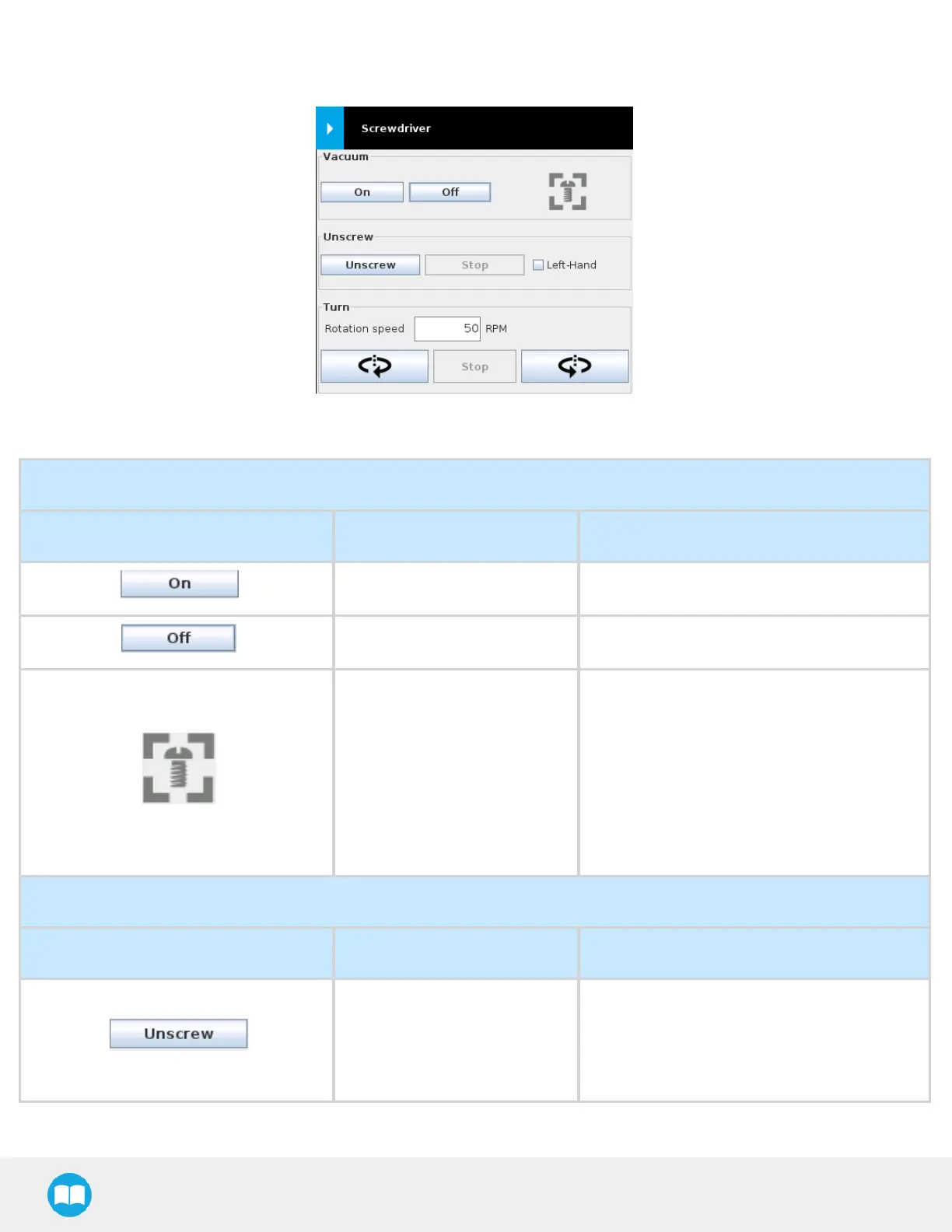
4.4.Introduction to the Screwdriver Toolbar
Fig. 4-1: Screwdriver Toolbar.
Vacuum Section
Visual Support Name Description
On Button Activatesvacuum function
Off Button Stops vacuum function
Screw Detection Indicator
Depending on the vacuum level reached and
the positioning of the screw at the tip of the
screwdriving bit/vacuum sleeve, displays
either:
l
The “ No screw detected” icon (in gray)
OR
l
The “ Screw detected” icon (in green)
Unscrew Section
Visual Support Name Description
Unscrew Button
Instructs the Screwdriver to perform an
unscrewing action.
Grayed out when the Screwdriver is
performing the action.
39



 To Next Page