Robotiq Screwdriving Solution - Instruction Manual
4.8.Screw Feeding Test
Once all Screw Feeder adjustments have been made, you can test the screwfeeding process(refer to the Rail Knob, Brush Knob,
ScrewHead Clearance Knob or Screw Singulator Knob sectionsfor indicationson how to perform the adjustment of the Screw
Feeder components):
Warning
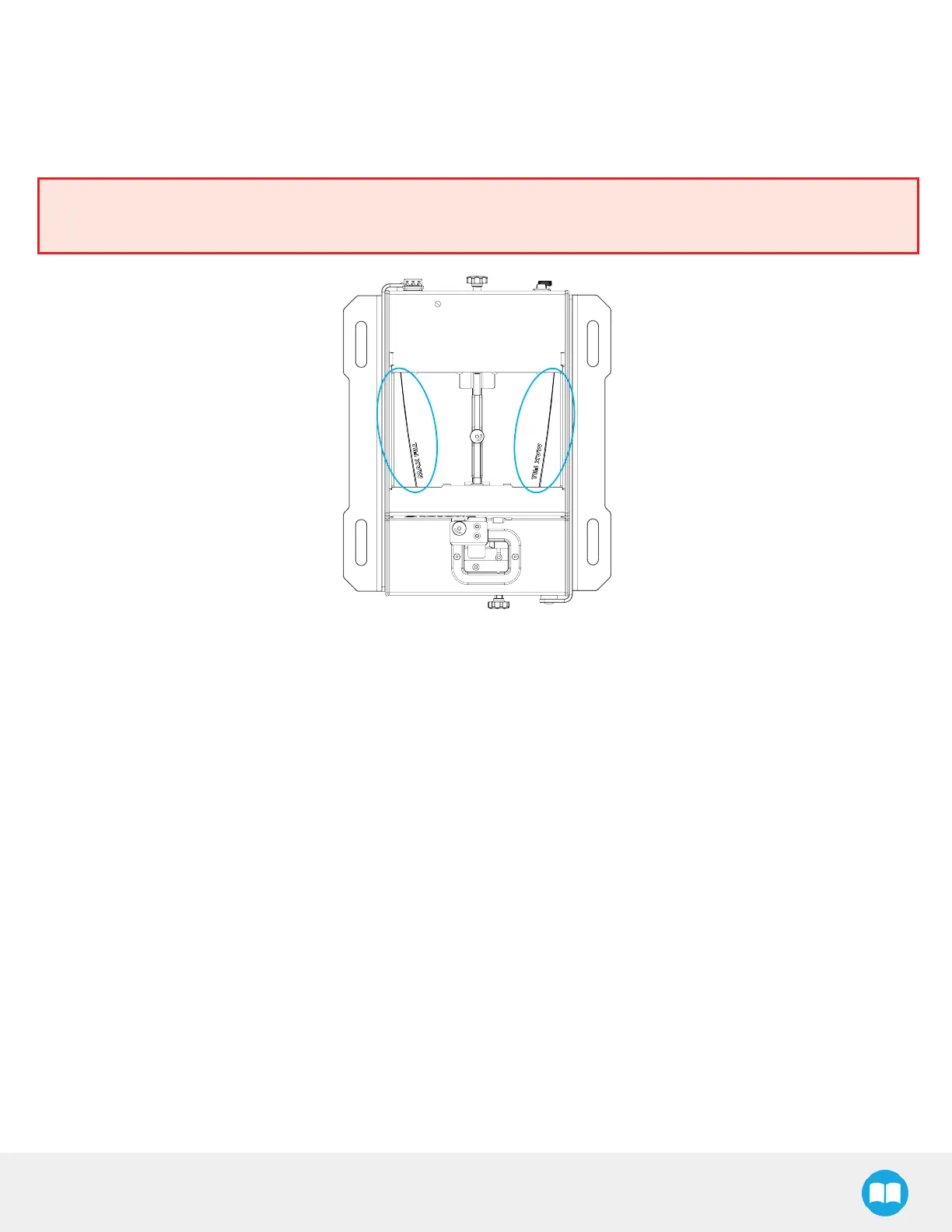
Before powering on the Screw Feeder, make sure not to fill the screw chamber above the max line.
Fig. 4-10: Max Line of the Screw Chamber.
l
Pour a certain number of screws in the screw chamber.
l
Turn on the Screw Feeder; the device will go through the stepsreferred to in the Screw Feeding section.
l
Monitor the screw feeding processto identify any issue (e.g., the screw gets stuck or friction seemsto slow down its travel).
l
The Screw Feeder will automatically stop when a screw reaches the screw detection position.
l
Remove screws from the singulator as they reach the screw detection position.
l
Repeat until the rail is filled with screws.
l
The test can be considered successful when:
1. a few screwsgo through the whole feeding process, from the screw chamber to the screw detection position.
2. once the rail isfilled, the Screw Feeder feeds approximately 1 screw per 3 seconds.
48



 To Next Page