Robustel R1520 User Guide
RT056_UG_R1520_v.1.0.3 Dec. 25, 2021 84/159
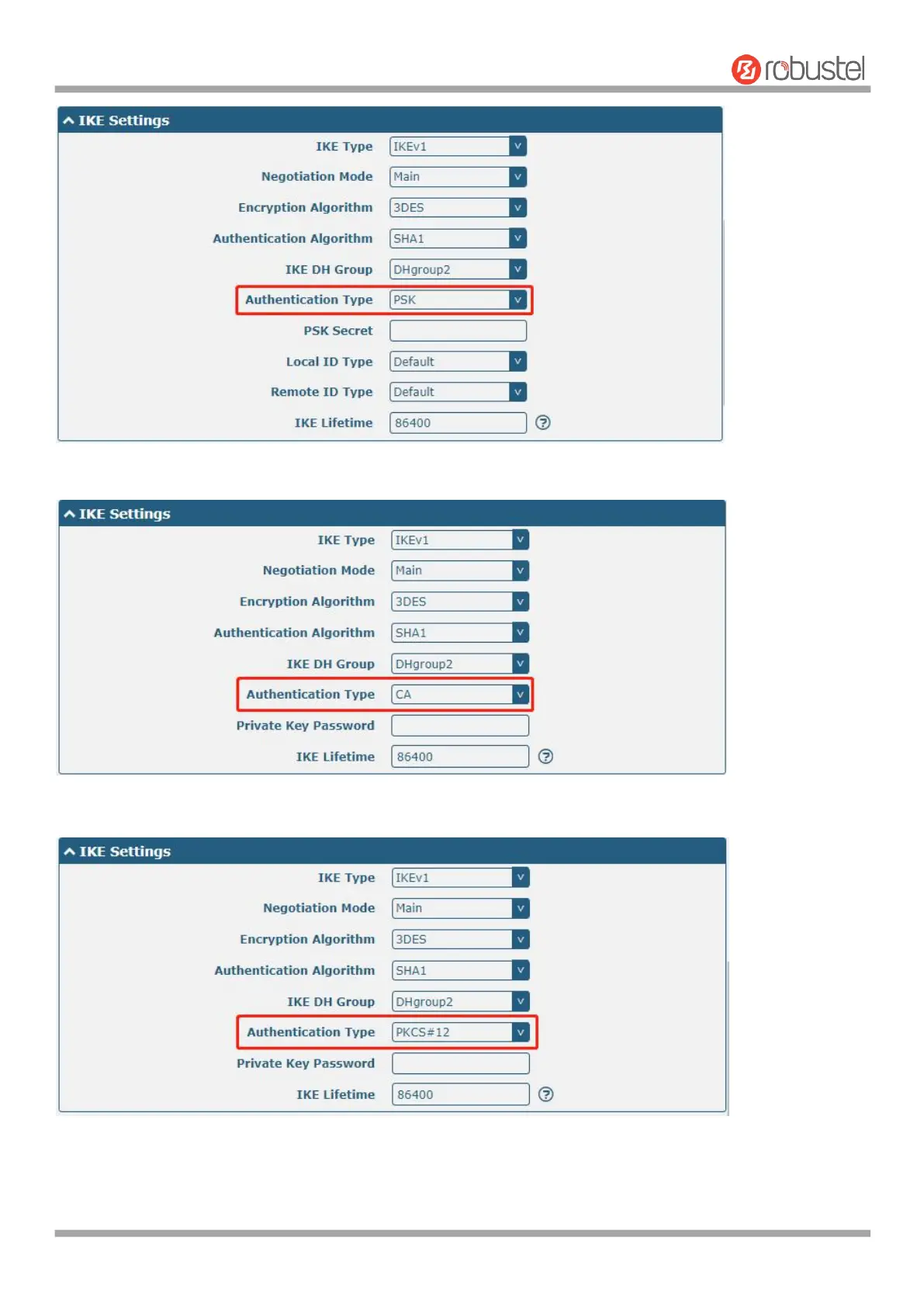
The window is displayed as below when choosing “CA” as the authentication type.
The window is displayed as below when choosing “PKCS#12” as the authentication type.
The window is displayed as below when choosing “xAuth PSK” as the authentication type.



 To Next Page