Controller functions
Page 54 RES-445
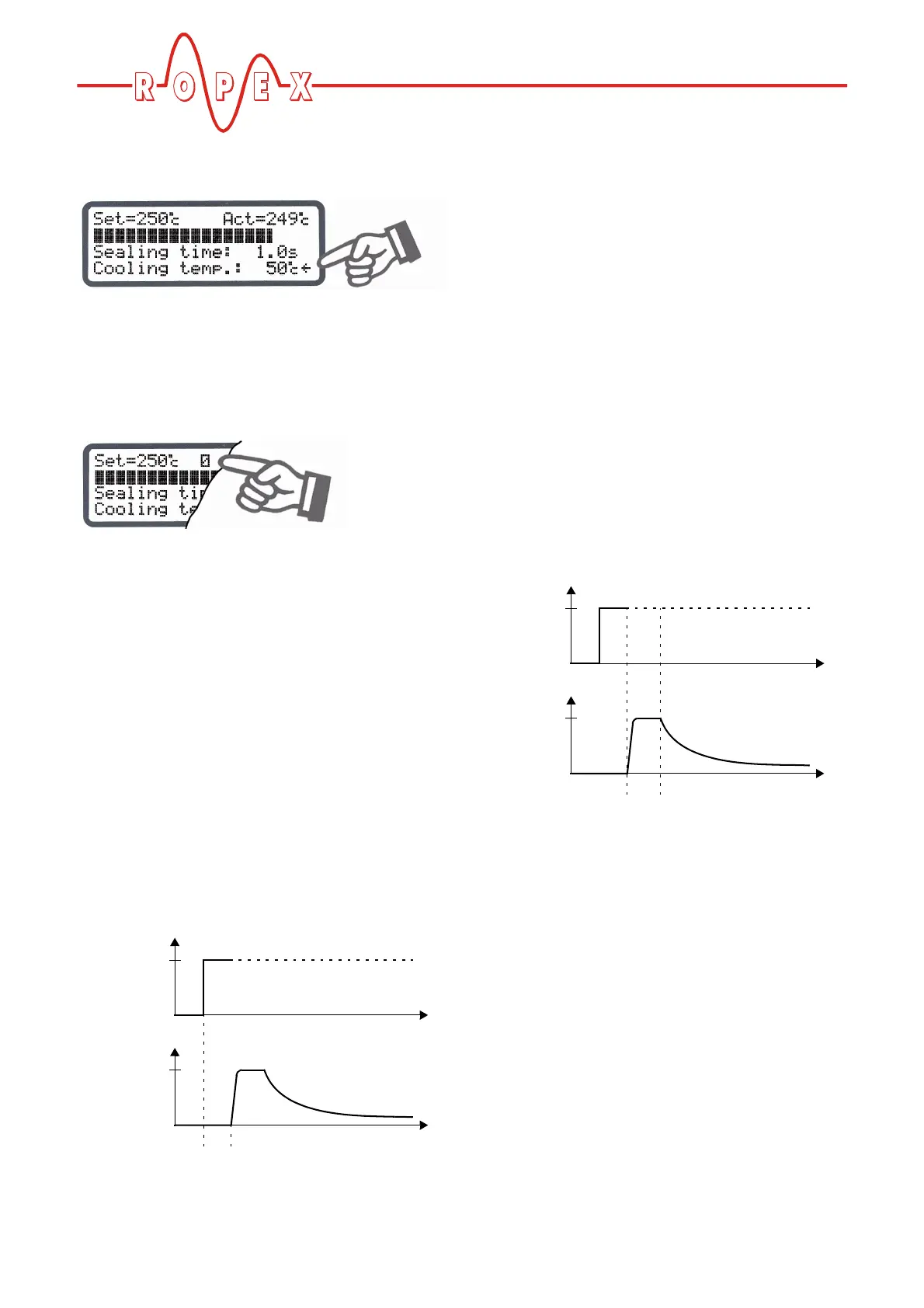
The active cooling phase is subsequently marked with
the direction arrow at the end of the heating phase.
The direction arrow disappears again at the end of the
cooling phase (i.e. at the end of the internal timeout).
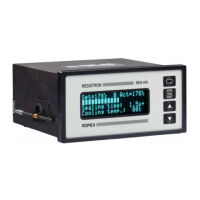
The current condition of relay K1 is indicated by means
of a separate icon. If the icon is visible, the normally
open contact of the relay is closed.
Separate settings can be entered for the individual
timeouts. These settings are possible with
steps 103 [3], 104 [4] and 105 [5] in the Settings menu
and with steps 210 [27], 211 [28] and 212 [29] in the
Configuration menu.
The options available with these advanced settings are
described below.
10.24.2 Setting the starting delay
The start of the heating process can be explicitly
delayed by entering a starting delay time with
step 103 [3] in the Settings menu, e.g. in order to bridge
the closing time of the heatsealing bars.
When the "START" signal is activated, the controller
waits for the time specified with this menu step to
elapse before commencing the heating process.
The starting delay can be set in the range from 0 to
9.9s. A delay of 0s is defined as the factory setting. In
this case, the heating process begins as soon as the
"START" signal is activated.
10.24.3 Setting the heatsealing time
This menu step is used to enter the heatsealing time.
There are two possible ways to set the heatsealing
time:
1. "0…99.9s"
The heatsealing time can be set in the range from 0
to 99.9s. The factory setting is 1.0s.
2. "EXT"
(This setting is possible as of software revision 013)
The heatsealing time is controlled by the "START"
signal (24VDC signal applied to terminals 3+4 or
contact applied to terminals 2+7). The duration of
the heatsealing time is equal to the active time of the
"START" signal.
10.24.4 Setting the cooling mode
Various criteria for the end of the cooling phase can be
specified with step 210 [27] in the Configuration menu
of the RES-445 controller. The possible settings are as
follows:
1. "Absolute" (Factory setting)
The cooling phase ends when the ACTUAL tempe-
rature of the heatsealing band falls below a speci-
fied temperature value. This cooling temperature
can be set with step 105 [5] in the Settings menu.
2. "Relative"
The cooling phase ends when the ACTUAL tempe-
rature falls to a value corresponding to X% of the
SET temperature. This percentage cooling value
can be set with step 105 [5] in the Settings menu.
Example:
ACTUAL
temp.
START
signal
24VDC
T
t
t
0
0
t
1
t
1
= Starting delay
ACTUAL
temp.
START
signal
24VDC
T
t
t
0
0
t
2
= Heating phase
t
2


 To Next Page