A4US
US
A4
US A4
US
A4
A4 US
US
A4
US
A4
A4 US
IQ3 Full Configuration Manual – Section: Data Log 45
Open Limit
Valve Torque Profile
Valve Torque Live
Valve Torque Profile
Valve Torque Reference
Torque Menu
Press to view the selected Valve Torque graph.
4.1 Data Log – Torque Logs
4.1.1 Valve Torque Live – Graph
Torque Live
Close
100
100
%T
%T
0
0
0 100Position
Pos: 36 %T: 12
Pos = Position, T = Torque
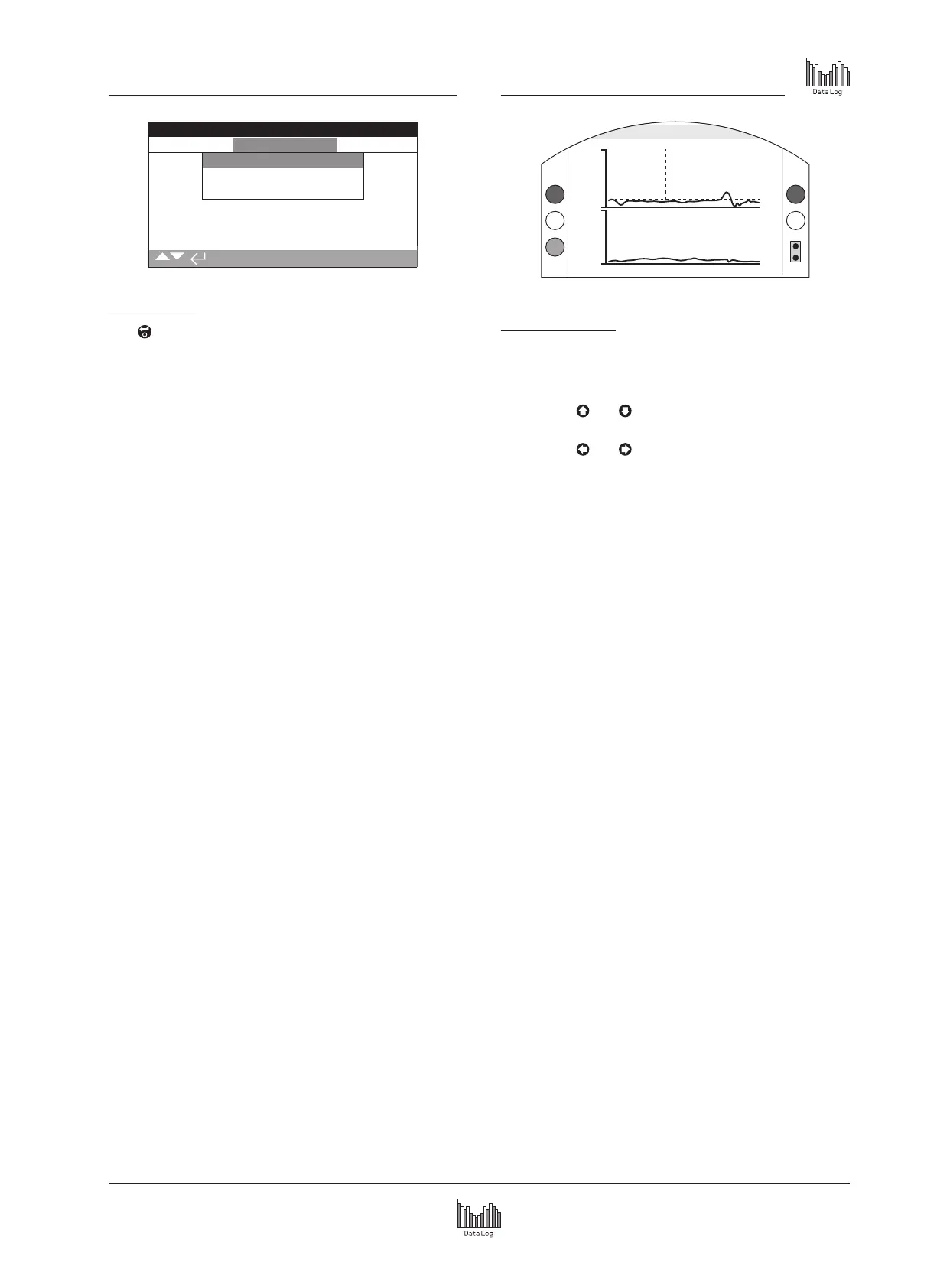
Valve Torque Live
This screen displays two torque graphs, showing live torque
percentage output against the actuator position for open and
close directions.
Pressing the
and arrows moves the cursor between
the open and close graphs.
Pressing the
and arrows moves the cursor along at
1% position increments.
The torque graph will update as the actuator is moving so that
the profile can be viewed live during the actuator stroke. Each
time the actuator moves from limit to limit the graph will be
overwritten with the new data. No data is permanently stored on
this page.



 To Next Page