A4US
US
A4
US A4
US
A4
A4 US
US
A4
US
A4
A4 US
IQ3 Full Configuration Manual – Section: Data Log 59
4.5.2 Partial Stroke Logs
–
Partial Stroke Torque
Open Limit
Partial Stroke
Partial Stroke Results
Partial Stroke Torque
Partial Stroke
Open
100
100
%
%
0
0
0 100Position
Pos: 51 %: 0
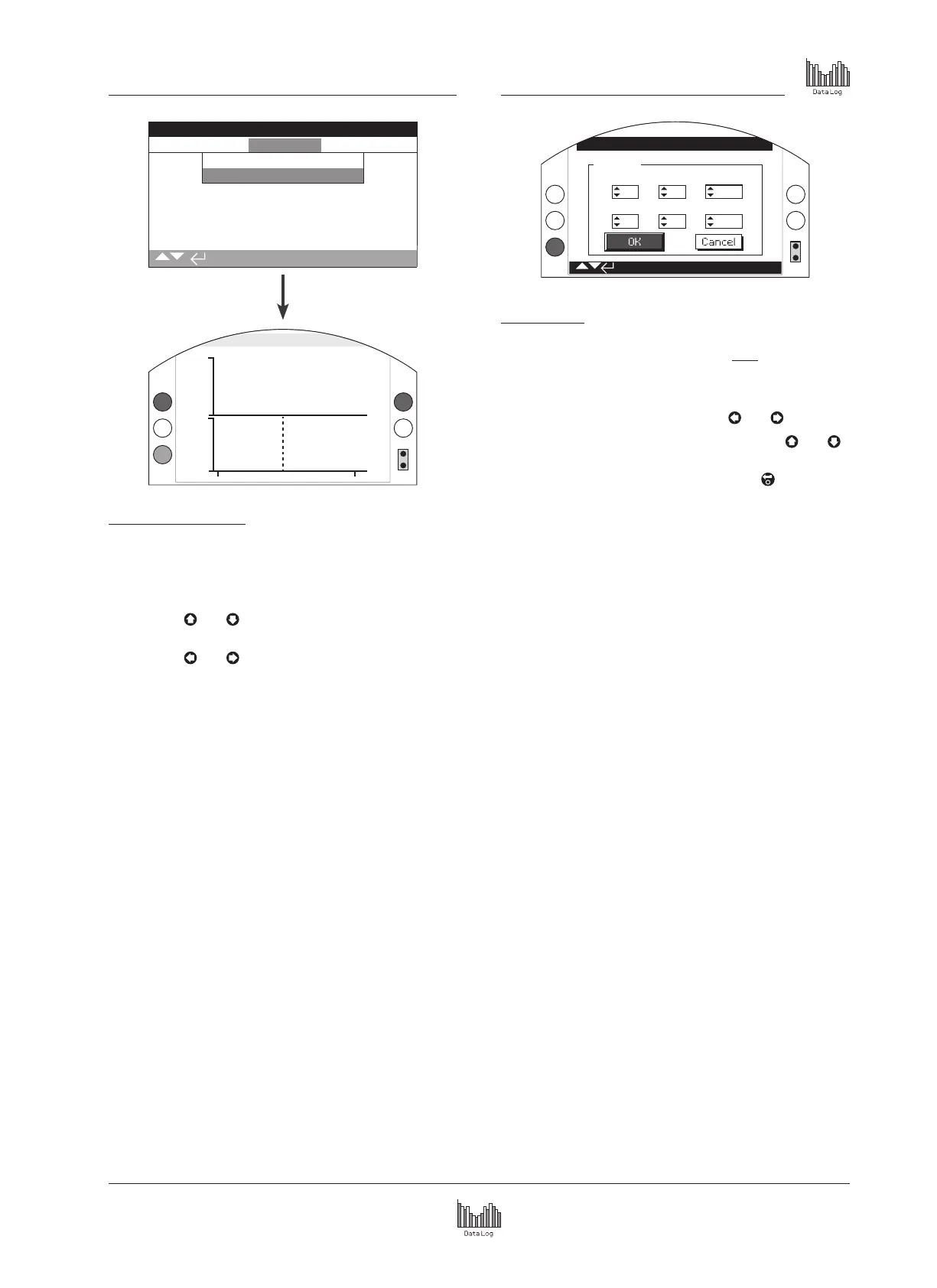
Partial Stroke Torque
This screen displays a torque graph of the last partial stroke
movement. This graph is used to plot the torque required to
operate the valve during the last partial stroke operation and may
help to analyse problems with the valve and its condition.
Pressing the
and arrows moves the cursor between
the open and close graphs.
Pressing the
and arrows moves the cursor along at
1% position increments.
4.6 Data Log – Set Log Date
Set Date
Stopped
Hour
9
23
14
5
44
2013
Day
Minute
Month
Second
Year
Set Log Date
This screen allows the user to locally set the current date and
time for the data log. This time and date is only used for local
indication and does not affect the stored data when downloaded
to a PC device when viewing within Rotork Insight2 software.
To select the date and time fields use
and arrows.
To change the selected date and time fields use
and
arrows.
To confirm the changes select OK and press .



 To Next Page