A4US
US
A4
US A4
US
A4
A4 US
US
A4
US
A4
A4 US
IQ3 Full Configuration Manual – Section: Data Log 57
4.4.4 Operation Logs – Bluetooth Log
Open Limit
Operation Logs
Starts Profile
Statistics
Service Log
Bluetooth Log
Stopped
Time Name
15:36:24 09/05/2013 BST 100E86D24.10
15:46:33 09/05/2013 BST 100E86D24.10
15:49:15 09/05/2013 BST 100E86D24.10
07:56:33 10/05/2013 BST 100E86D24.10
08:06:27 10/05/2013 BST 100E86D24.10
08:26:26 10/05/2013 BST 100E86D24.10
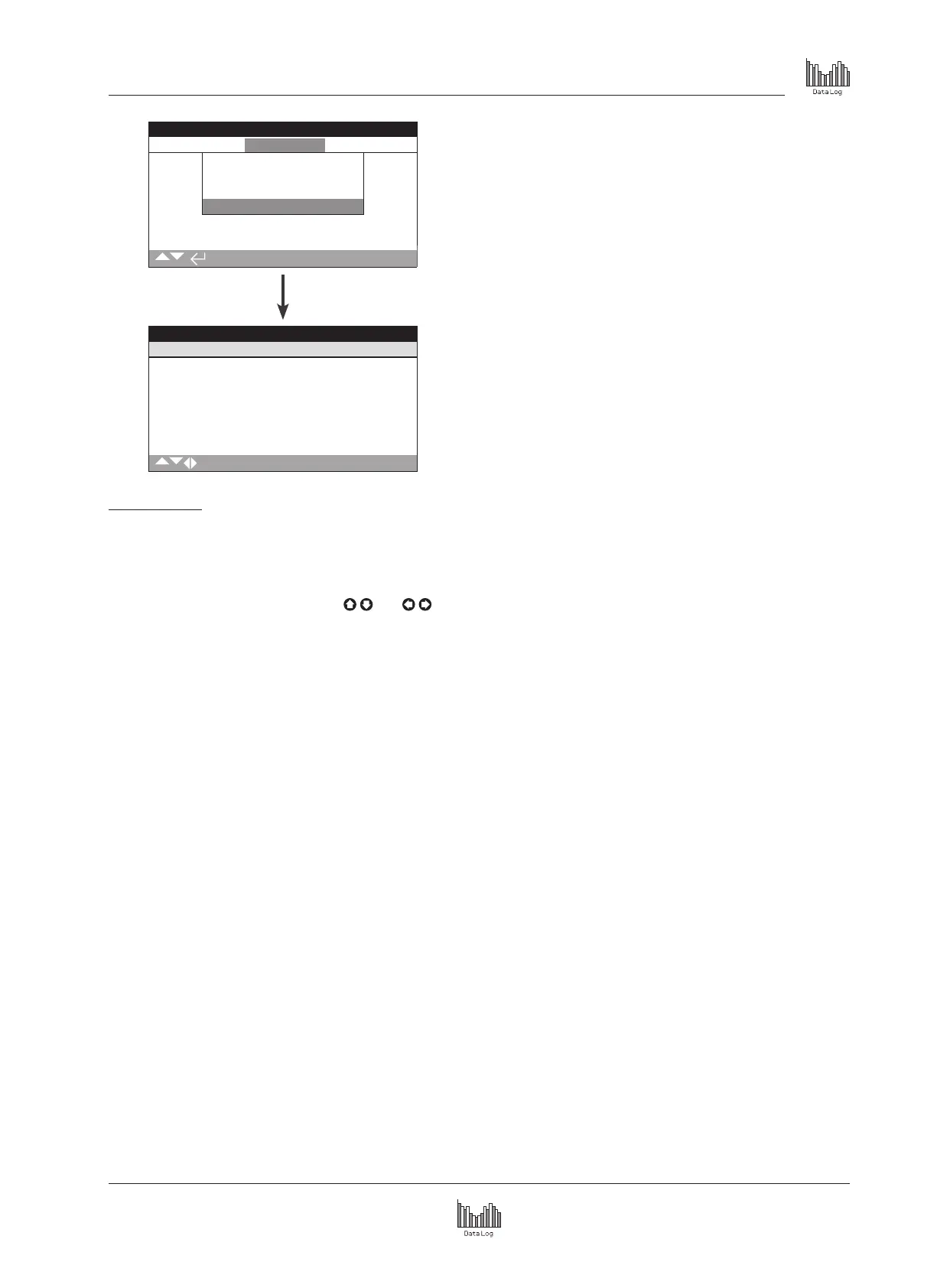
Bluetooth Log
This screen displays a log of all Bluetooth device connections.
Each device that has successfully connected leaves a footprint of
its device name, MAC address and access level, along with a time
and date stamp (if set locally as per section 4.6).
To scroll through the Bluetooth log use
and
.



 To Next Page