A4US
US
A4
US A4
US
A4
A4 US
US
A4
US
A4
A4 US
36 IQ3 Full Configuration Manual – Section: Status
3. Status
Status screens on the IQ3 display are provided to assist
diagnostics. The displayed information is live data taken from the
main data log processor and can be used to view control signals,
alarms, movement and internal diagnostic data.
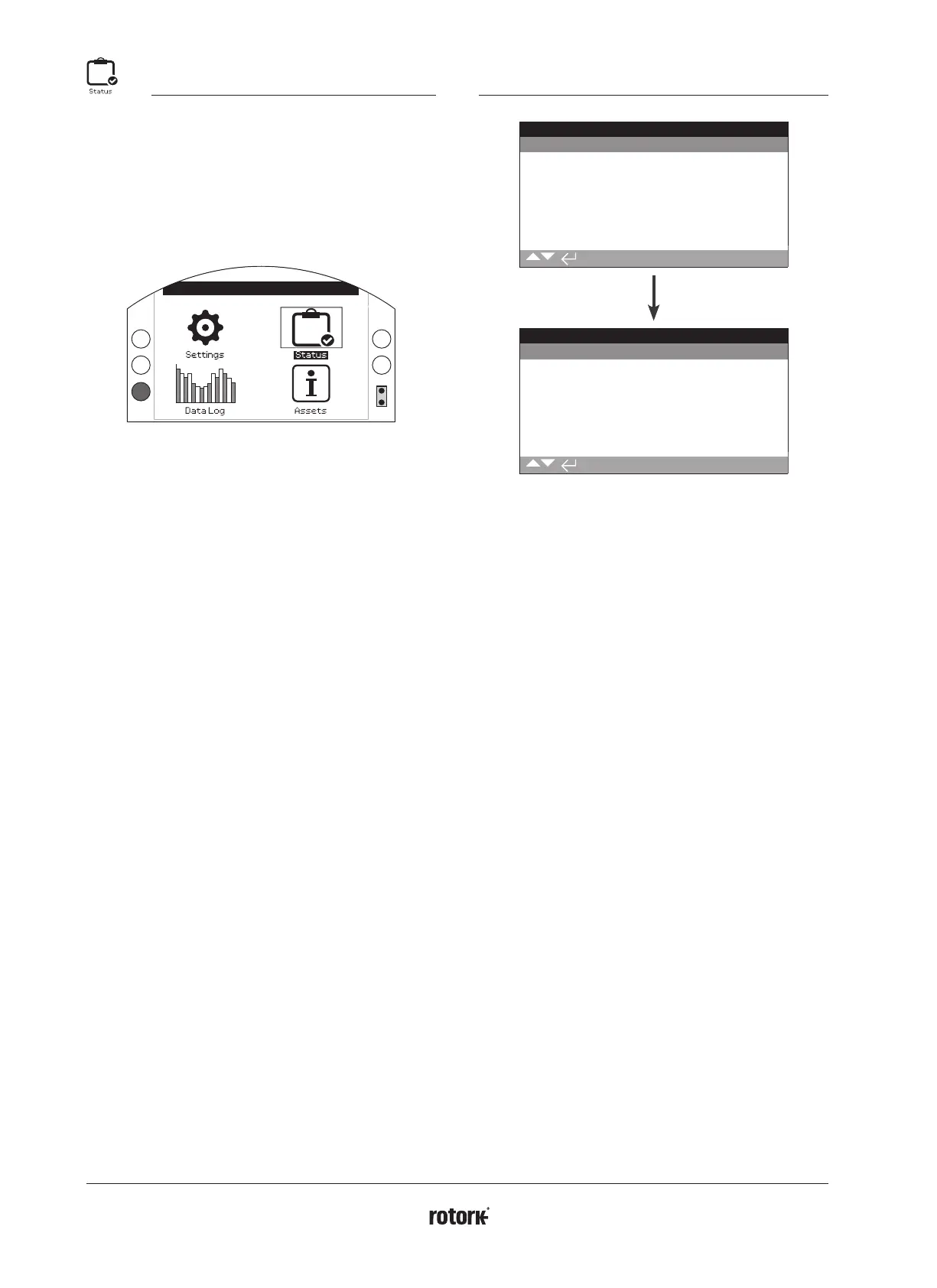
Refer to section 1.2 for connecting to the actuator. Once
connected, navigate to the main icon menu and using the four
directional arrows, highlight and select the Status Icon:
Open Limit
3. Status menu Page
3.1 Control 36
3.1.1 Local 37
3.1.2 Remote Hardwired 38
3.1.3 Remote Source 1 39
3.1.4 Remote Source 2 39
3.2 Alarms 40
3.3 Movement 41
3.4 Indication 42
3.5 Diagnostics 43
3.1 Status – Control
Status
Control
Alarms
Movement
Indication
Diagnostics
Control
Local
Remote Hardwired
Remote Source 1
Remote Source 2



 To Next Page