A4US
US
A4
US A4
US
A4
A4 US
US
A4
US
A4
A4 US
64 IQ3 Full Configuration Manual – Section: Assets
5.2 Assets – Valve
Stopped
Valve
Tag DN150-C
Serial No BV278904
Type Butterfly
Size / DN 4"
Manufacturer Triumph
Service Fluid ProcessOil
Service Temp 130C
1/10
Valve Information
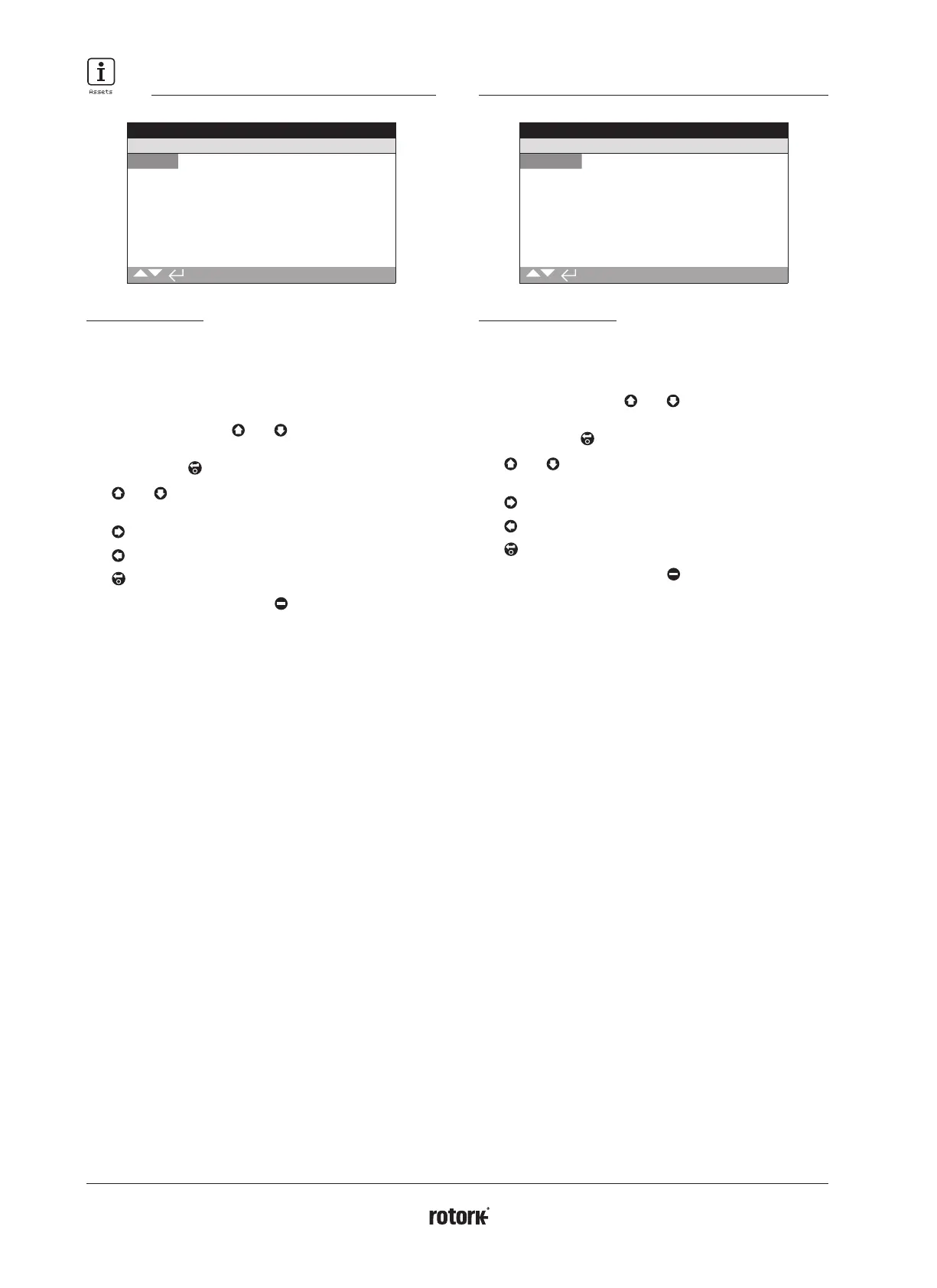
This screen allows the user to view and edit information about
the attached valve, once a valid password has been entered.
This may be useful for displaying the valve details if the valve
tag plate is missing, or for matching a valve to an actuator after
valve/actuator repair.
To edit information, use
and to select the highlighted
field.
To change, press to select the field.
Use
and to scroll through alphabetic and numerical
figures to display the required character.
Use
to move to the next character.
Use
to delete the previous character.
Use to save the information.
To escape without saving press
.
1/10 Tag – Displays the valve tag.
2/10 Serial No – Displays the serial number of the valve.
3/10 Type – Displays the valve type.
4/10 Size / DN – Displays the valve size.
5/10 Pressure / DN – Displays the pressure of the valve.
6/10 Manufacturer – Displays the valve manufacturer.
7/10 Service Fluid – Displays the valve service fluid.
8/10 Service Temp – Displays the valve service temperature.
9/10 Location – Displays the recorded location of the valve.
10/10 Installation Date – Displays the installation date of the
valve. YearMonthDay (YYYYMMDD).
5.3 Assets – 2nd Stage Gear Box
Stopped
2nd Stage Gear Box
Serial No Z123456789
Type IB12
Ratio 6:1
MA 5.1
1/4
Gearbox Information
This screen allows the user to view information about the
attached gearbox and edit this information once a valid password
has been entered.
To edit information, use
and to select the highlighted
field.
To change, press to select the field.
Use
and to scroll through alphabetic and numerical
figures to display the required character.
Use
to move to the next character.
Use
to delete the previous character.
Use to save the information.
To escape without saving press
.
1/4 Serial No – Displays the serial number of the gearbox.
2/4 Type – Displays the gearbox type.
3/4 Ratio – Displays the gearbox ratio. This is the number of
actuator output turns required to output one full gearbox turn.
4/4 MA – Displays the gearbox mechanical advantage. This is the
factor that the actuator output torque is multiplied by to give the
actuator/gearbox combination output torque.



 To Next Page