A4US
US
A4
US A4
US
A4
A4 US
US
A4
US
A4
A4 US
IQ3 Full Configuration Manual – Section: Assets 67
1/24 Battery Low – Allows the user to set NAMUR 107
diagnostics for battery charge low.
2/24 Local Ctrl Fault – Allows the user to set NAMUR 107
diagnostics for a fault occurring with the local control.
3/24 Mains Fail – Allows the user to set NAMUR 107
diagnostics for mains power failure.
4/24 Thermostat – Allows the user to set NAMUR 107
diagnostics for a thermostat trip occurring.
5/24 Serv. Contactor – Allows the user to set NAMUR 107
diagnostics for contactor service required.
6/24 Service Due – Allows the user to set NAMUR 107
diagnostics for actuator service due. Refer to 5.5.
7/24 Hi Hi Torq. Alarm – Allows the user to set NAMUR 107
diagnostics for the Hi Hi torque alarm. Refer to 5.5.
8/24 Hi Torque Alarm – Allows the user to set NAMUR 107
diagnostics for the Hi torque alarm. Refer to 5.5.
9/24 Motor Starts – Allows the user to set NAMUR 107
diagnostics for motor starts. Refer to 5.5.
10/24 Total Turns – Allows the user to set NAMUR 107
diagnostics for total turns. Refer to 5.5.
11/24 Monitor Relay – Allows the user to set NAMUR 107
diagnostics for monitor relay. Refer to 2.2.1.
12/24 Control Fail – Allows the user to set NAMUR 107
diagnostics for control failure.
13/24 Actuator Fail – Allows the user to set NAMUR 107
diagnostics for actuator failure.
14/24 Comms Loss – Allows the user to set NAMUR 107
diagnostics for communications loss.
15/24 Opt Not Detect – Allows the user to set NAMUR 107
diagnostics for option card not detected.
16/24 PStroke Fail – Allows the user to set NAMUR 107
diagnostics for partial stroke failure. Refer to 2.3.2-3.
17/24 Valve Obstructed – Allows the user to set NAMUR 107
diagnostics for valve obstructed.
18/24 Valve Jammed – Allows the user to set NAMUR 107
diagnostics for valve jammed.
19/24 Pos. Limp Home – Allows the user to set NAMUR 107
diagnostics for position sensor reduced functionality.
20/24 End Travel Mov. – Allows the user to set NAMUR 107
diagnostics for actuator travel beyond set limits.
21/24 Net. Card Fault – Allows the user to set NAMUR 107
diagnostics for network card fault.
22/24 Cust. Sup. Fail – Allows the user to set NAMUR 107
diagnostics for customer supply failure.
23/24 Valve Travel Time – Allows the user to set NAMUR 107
diagnostics for valve travel time.
24/24 Wrong Dir. Det. – Allows the user to set NAMUR 107
diagnostics for wrong direction detected.
5.7 Assets – Online Help
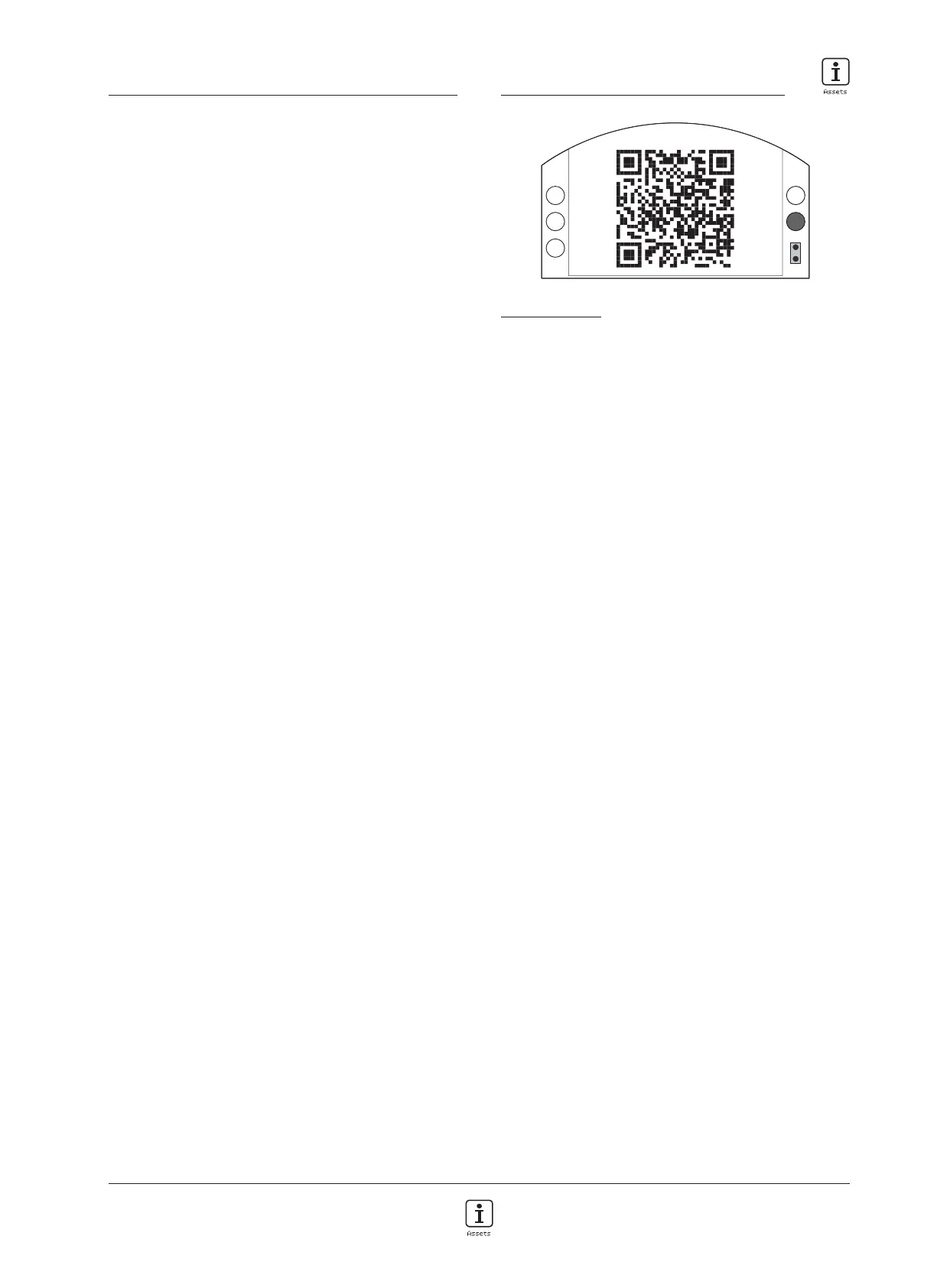
Rotork Support
This screen displays a QR code to direct users to the support
section of the Rotork website. This page enables the user to
source documentation, software and training resources for
Rotork products.
5.6 Assets – NAMUR 107
continued



 To Next Page