A4US
US
A4
US A4
US
A4
A4 US
US
A4
US
A4
A4 US
IQ3 Full Configuration Manual – Section: Assets 65
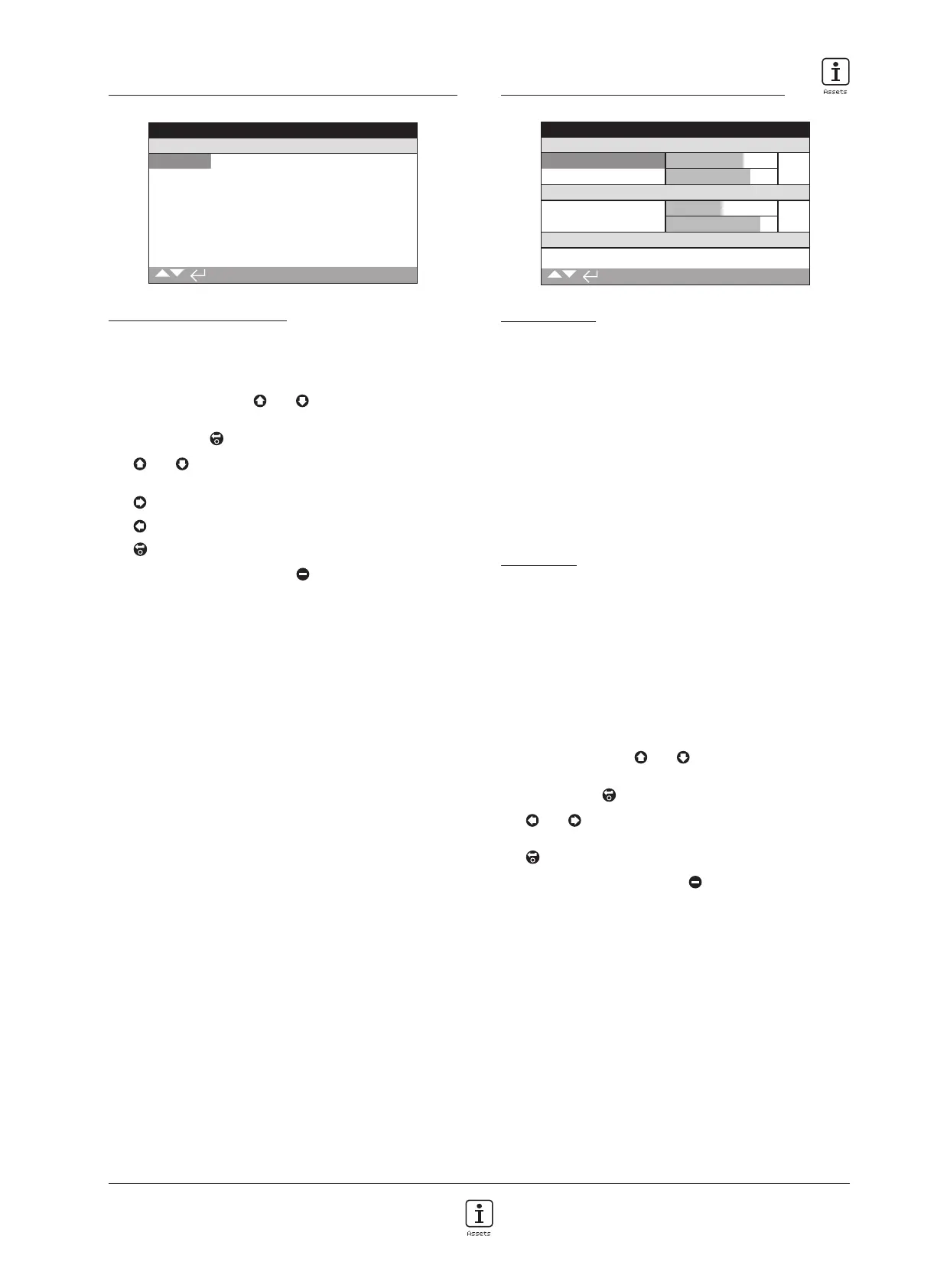
5.4 Assets – Service History
Stopped
Service History
FAT Date 20130225
Commission Date 20130319
Inspection Date 20130621
1/3
Service History Information
This screen allows the user to view and edit information about
the actuator"s service history, once a valid password has been
entered.
To edit information, use
and to select the highlighted
field.
To change, press to select the field.
Use
and to scroll through alphabetic and numerical
figures to display the required character.
Use
to move to the next character.
Use
to delete the previous character.
Use to save the information.
To escape without saving press
.
1/3 FAT Date – Displays the actuator factory acceptance test
date. YearMonthDay (YYYYMMDD).
2/3 Commission Date – Displays the actuator commission date.
YearMonthDay (YYYYMMDD).
3/3 Inspection Date – Displays the actuator inspection date.
YearMonthDay (YYYYMMDD).
Note: the date format for service history attributes may vary
depending on user preference.
5.5 Assets – Service Alarms
Stopped
Open Torque
Hi Alarm % 75%
HiHi Alarm % 80%
Close Torque
Hi Alarm % 50%
HiHi Alarm % 85%
Misc Trip Levels
Max Starts/Hr 1200
1/10
Service Alarms
This screen allows the user to set actuator service alarms if a valid
high level password has been entered. Actuator service alarms
are meant for indication only and will aid the user to schedule
effective maintenance of the actuator/valve. Service torque
alarms will only display a visual alarm and do not act in the same
way as a torque trip alarm.
Alarms can be set to activate when a selected condition has
occurred. This is a visual indication displayed locally at the
actuator. The user can also set the Amber LED to flash when
one or more of the set conditions are in an alarm state. Refer to
2.2.2. In addition, for remote monitoring, an output relay can be
set to indicate when one or more service alarm conditions are
active. Refer to 2.2.1.
Typical uses
Torque level detection: For example, if the application requires a
torque trip level to be set at 80%, but the user wants to know
when the valve torque demand reaches a high level, then the
user can set the Hi Alarm to 70%. If the user also wants to know
when a mid-travel torque trip is imminent, they can set the Hi Hi
Alarm to 75%.
To prevent spurious torque level alarms being generated, the
Hi and Hi Hi Alarms ignore valve seating torque trips. They are
only generated if Mid-travel torque exceeds the levels set for the
service alarms.
To edit the alarms use
and to highlight the required
field.
To change, press to select the field.
Use
and
to scroll through percentage torque or
numbers to display required value.
Use to save the information.
To escape without saving press
.



 To Next Page