A4US
US
A4
US A4
US
A4
A4 US
US
A4
US
A4
A4 US
50 IQ3 Full Configuration Manual – Section: Data Log
4.2.1-2 Event Logs – Control Event Log
Stopped
Control Event Log
Event Log Filter
Control Event Log
Stopped
Time: 10:28:13 20/05/2013 Event:2999
Pos: 100 Dem:0 T 0 Tmp27
Local Open Local Close
Local Stop Local
Remote HW Ctrl Close
HW Ctrl Open HW Ctrl Maint
HW Ctrl ESD Open Interlock
Close Interlock Primary Close
Scroll
Event
1/22
Control Event Log
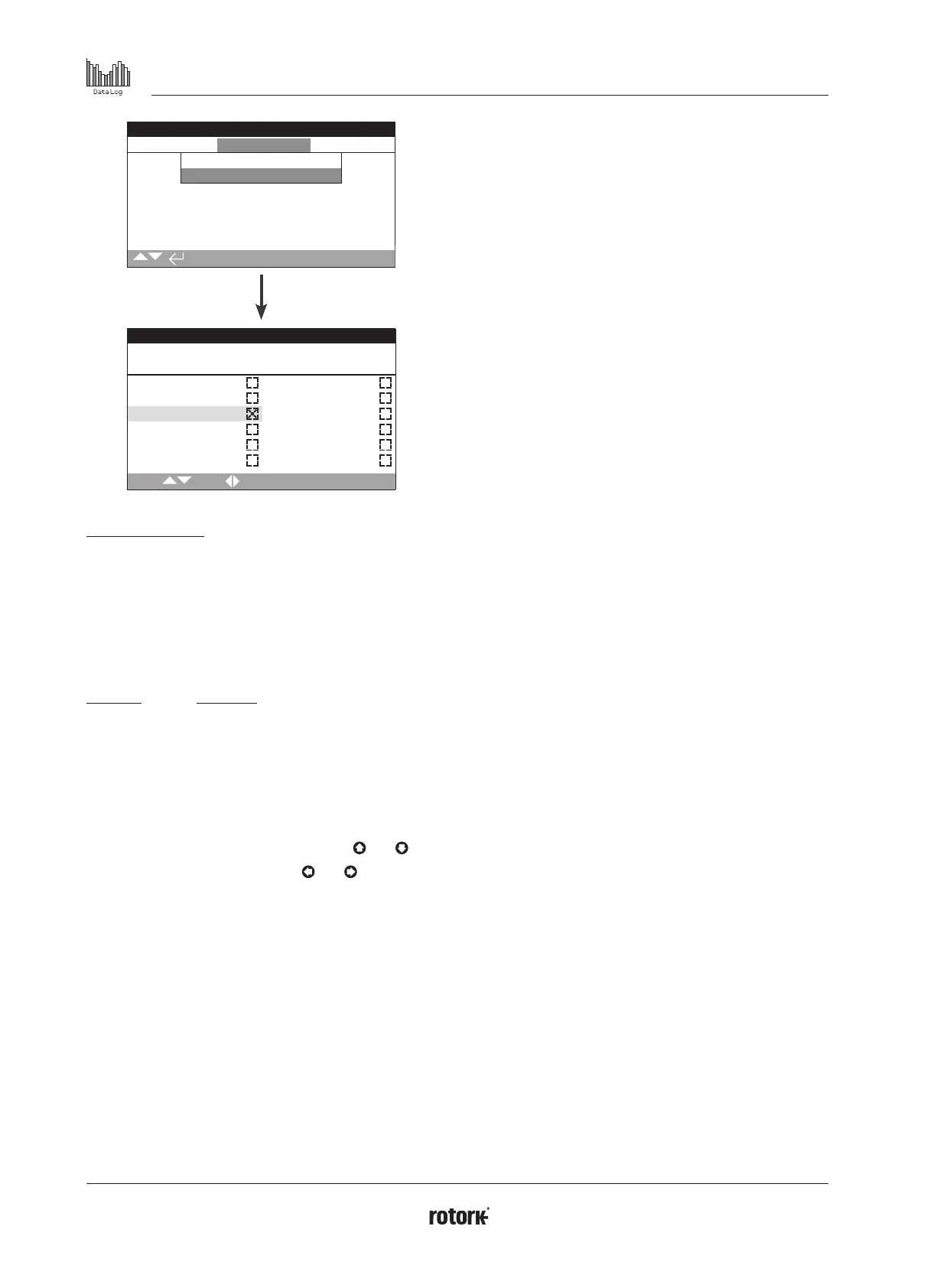
This screen displays a date and time stamped log of actuator"s
control events. The parameters that are displayed in this screen
are determined by the selections made in the control event filter.
To view each event, first select the parameters that are required
as per section 4.2.1-1 and then scroll through each event.
As each event is viewed, the parameters selected will report
its status along with the current position, demand, torque and
temperature:
Key Parameter
Pos: xxx = Position in %
Dem: xxx = Demand in %
T: xxx = Torque in %
Tmp: xxx = Temperature in Deg C
The checkbox indicates the event has occurred.
To scroll through the control parameters use
and .
To scroll through the event logs use
and .



 To Next Page