23/05/2019Roundshot VR Drive Instruction Manual – Firmware Version 2.023 99
4.6.2 Settings/database (continued)
import
Import
If a program number already
exists, would you prefer to
overwrite the old one or
append as new?
export
xml type
Data save successful
Export
Seitz
Papywizard
append
overwrite
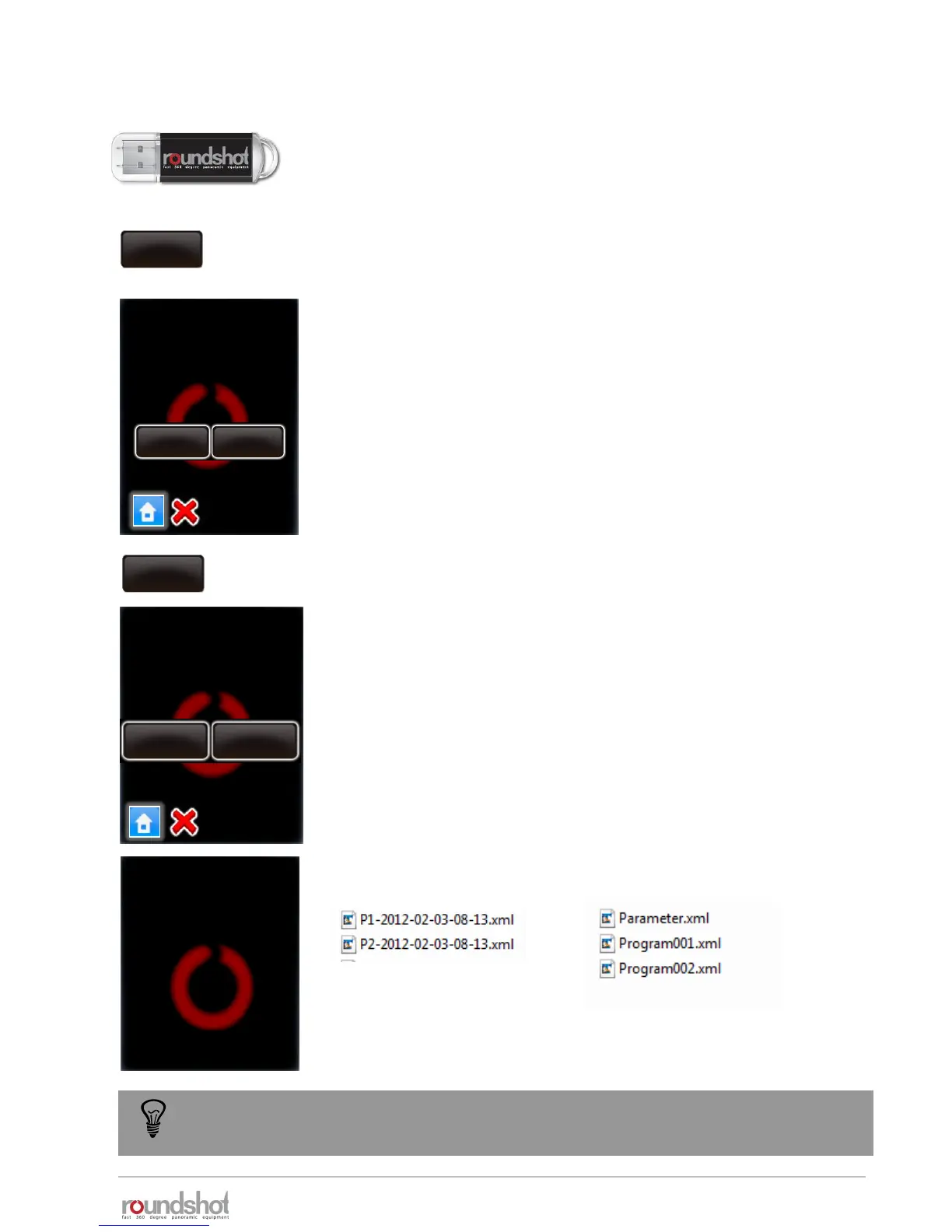
Click on “import” to load previously backed-up VR Drive programs.
If a program number already exists in the VR Drive there are two
options:
• Overwrite the existing program number with the imported one
• Append the existing program to the VR Drive programs
Confirm or cancel with “X”.
The programs are loaded to the VR Drive.
Click on “export” to export program settings.
The “Papywizard” option exports the exact location (pitch/roll) of
every image released in the program sequence to an xml file in the
papywizard standard. This xml file can then be used in the stitching
software for accurate allocation of images .
The “Seitz” option exports all programs to back-up files that can be
shared between VR Drives or can be re-imported later, for example
after a reset to factory settings.
Which format should be taken
to write the xml files?
For importing and exporting data please connect the original
Roundshot USB stick into the USB slot of the VR Drive.
Important: The USB stick needs to be inserted prior to loading the
import or export commands.
Back up your programs in the Seitz format from time to time. This ensures that no
program data is lost in the case that the VR Drive has to be reset to factory settings.
Papywizard format Seitz format
(for stitching software) (for back-up / can be reimported
into VR Drive)



 To Next Page