23/05/2019Roundshot VR Drive Instruction Manual – Firmware Version 2.023 98
4.6.2 Settings/database (continued)
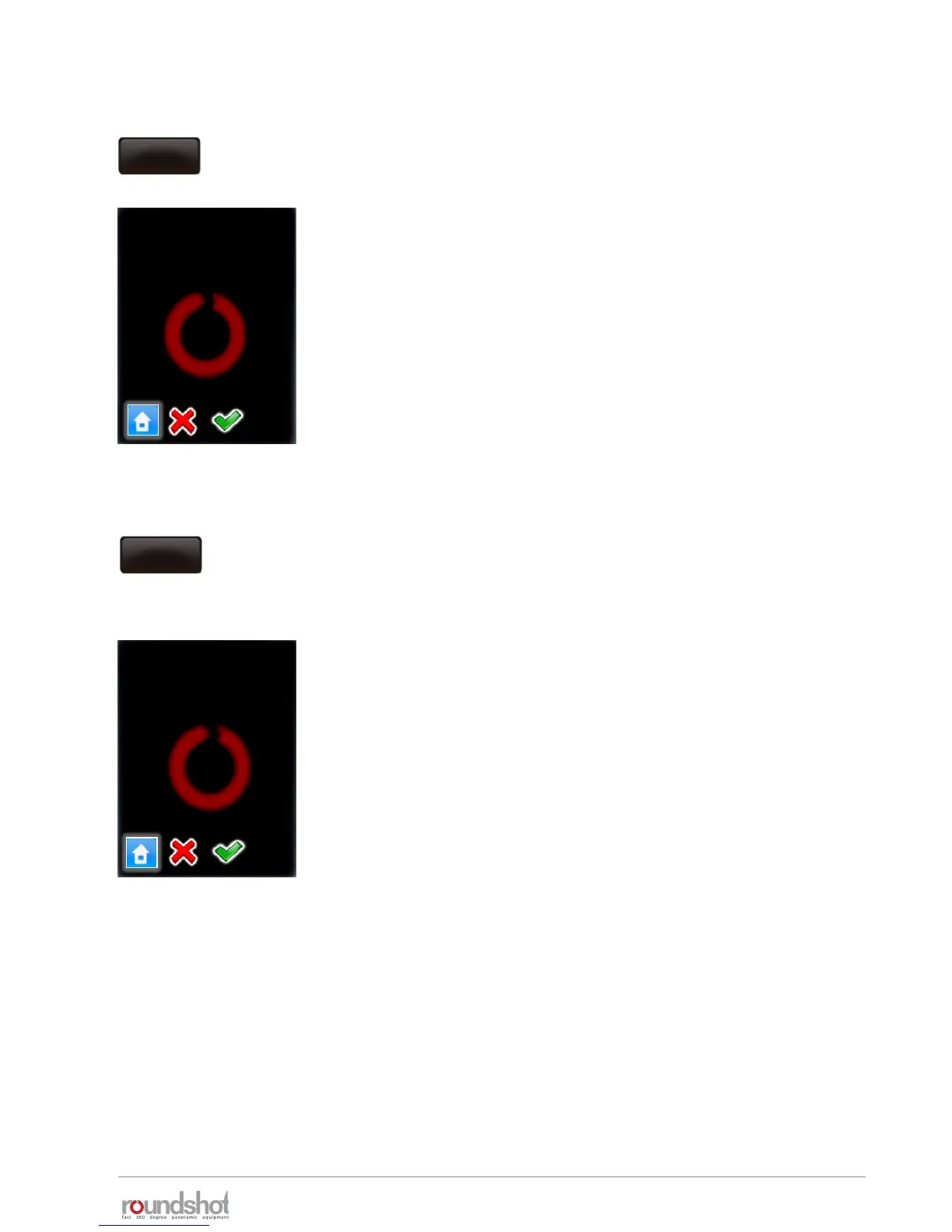
Click on “delete all programs” to remove all programs from your
VR Drive.
Confirm with “next” or cancel with “X”.
After deleting all programs a default program in “quality” mode will
be stored as “P1”.
All settings (general (time settings etc.) and database (camera,
presets) will remain unchanged.
Click on “reset to factory” to remove all programs and reload the
default factory settings.
Confirm with “next” or cancel with “X”.
After deleting all programs a default program in “quality” mode will
be stored as “P1”.
The settings (general (time settings etc.) and database (camera,
presets) will be created from factory settings.
delete all
programs
delete programs
Do you really want to
delete all programs?
Do you really want
to reset to factory
settings?
reset to
factory
reset to factory



 To Next Page