23/05/2019Roundshot VR Drive Instruction Manual – Firmware Version 2.023 117
5.6 Stitching workflow (continued)
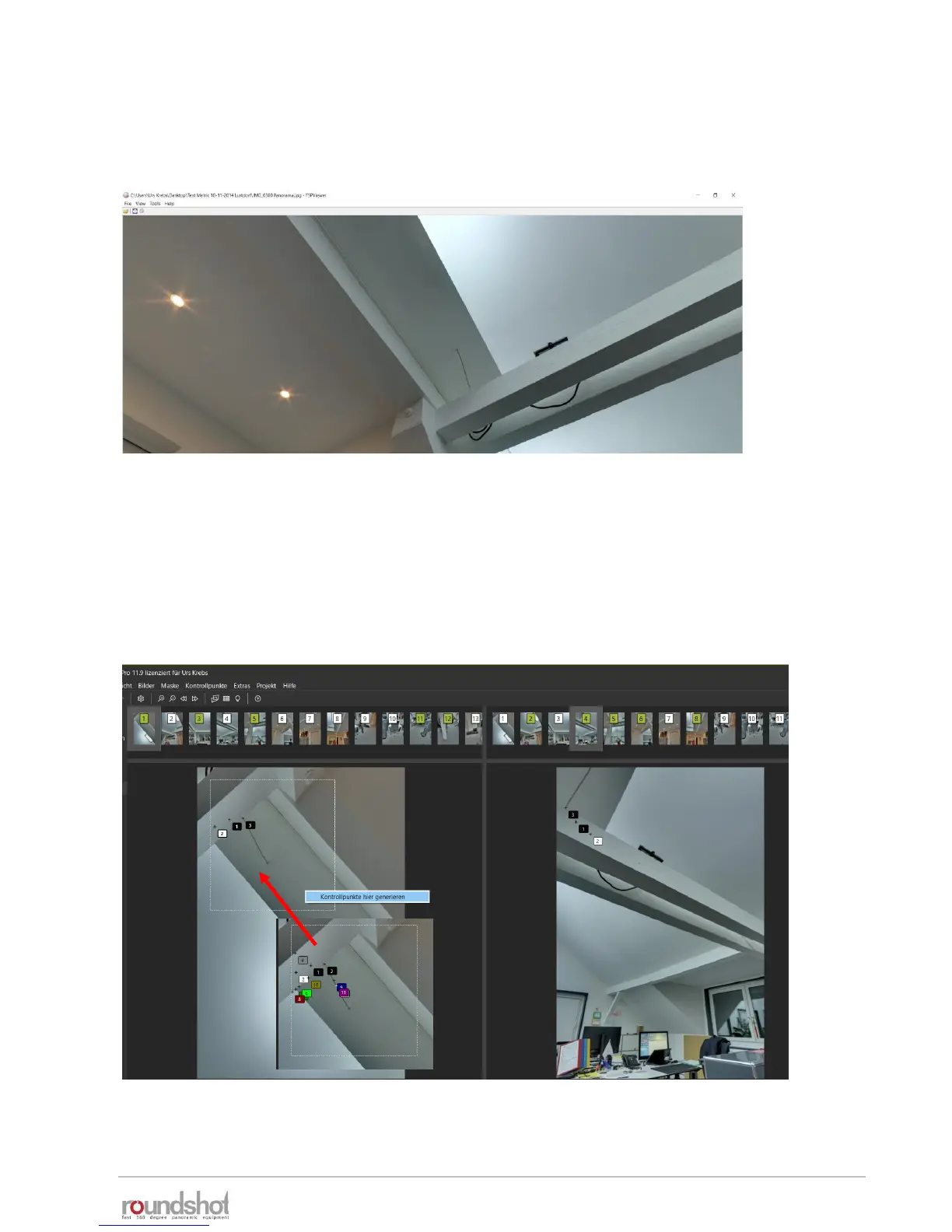
Open the finished panorama in FSP Viewer and check its quality:
If there are any errors (for example seams), go back to PTGUI, open the control point
editor and add control points in the area with the stitching error.
This is done by opening two adjacient images and dragging a rectangle over the
relevant area with SHIFT + left mouse click – right mouse click «generate control
points here»
When finished, optimise the panorama again and render a new file.



 To Next Page