23/05/2019Roundshot VR Drive Instruction Manual – Firmware Version 2.023 116
5.6 Stitching workflow (continued)
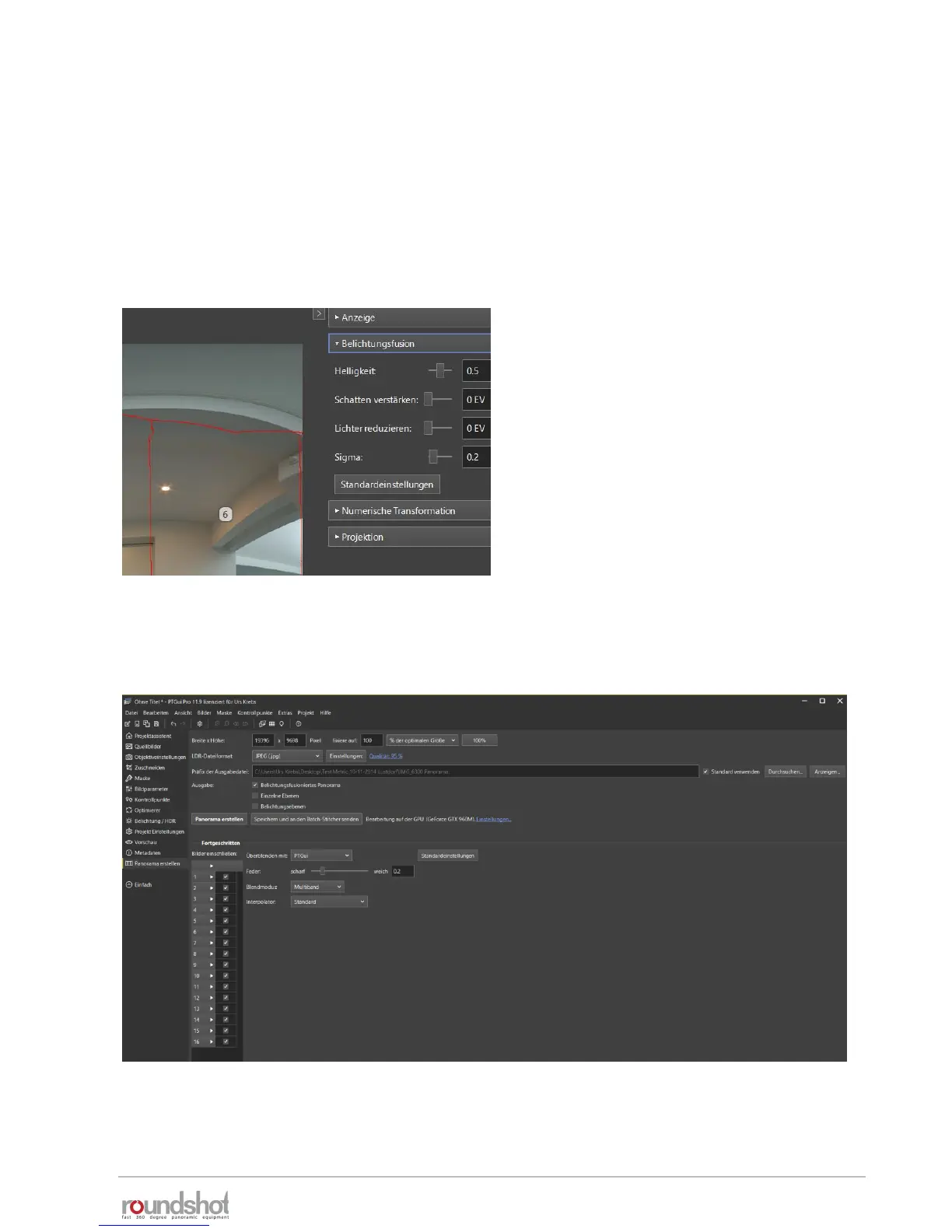
Clicking on the «arrow right» on the top right corner of the preview image allows the
following edits:
• Change of exposure (in EVs)
• Modification of image fusion parameters (lightness, shadows, lights, sigma)
• Adjustment of pitch, roll, yaw
• Changing the projection (standard: equirectangular for spherical images)
Step 7: create panorama
When all edits are done, close the preview and click on «create panorama»:
Adapt the size, quality, file type and path for the final image, then click «create
panorama».



 To Next Page