23/05/2019Roundshot VR Drive Instruction Manual – Firmware Version 2.023 115
5.6 Stitching workflow (continued)
Step 6:
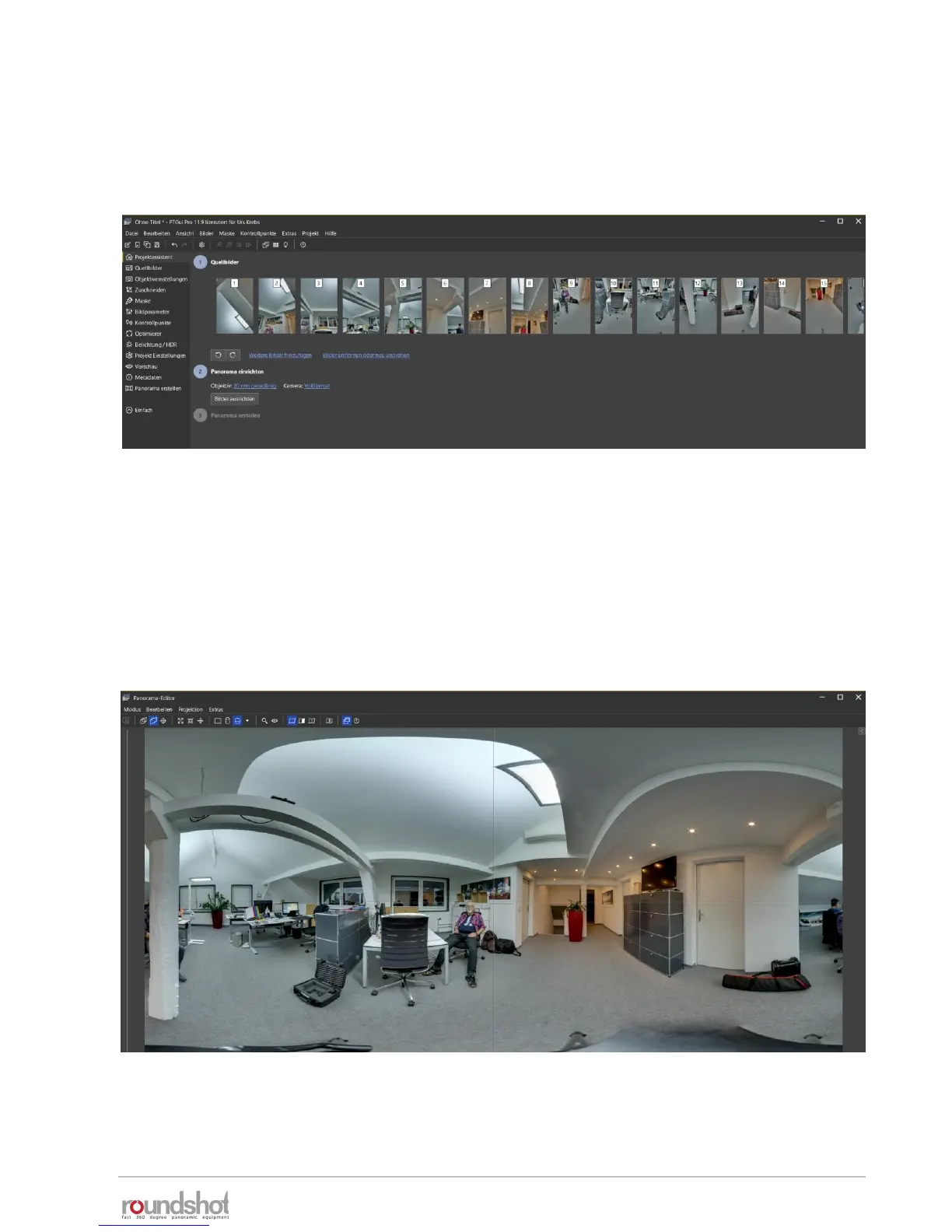
Align the panorama by pressing “align images”
The source images will now be stacked together per position and the medium
exposure – with which the stitching will be performed – is displayed:
Check if the focal of the lens is correctly recognised (from image metadata) and if the
sensor format is correct.
If the stitching is successful, a preview image is displayed:
This preview windows enables setting the centre, centering, straightening or
showing the blending seams between images.



 To Next Page