23/05/2019Roundshot VR Drive Instruction Manual – Firmware Version 2.023 128
6.7 Using the VR Drive light meter (continued)
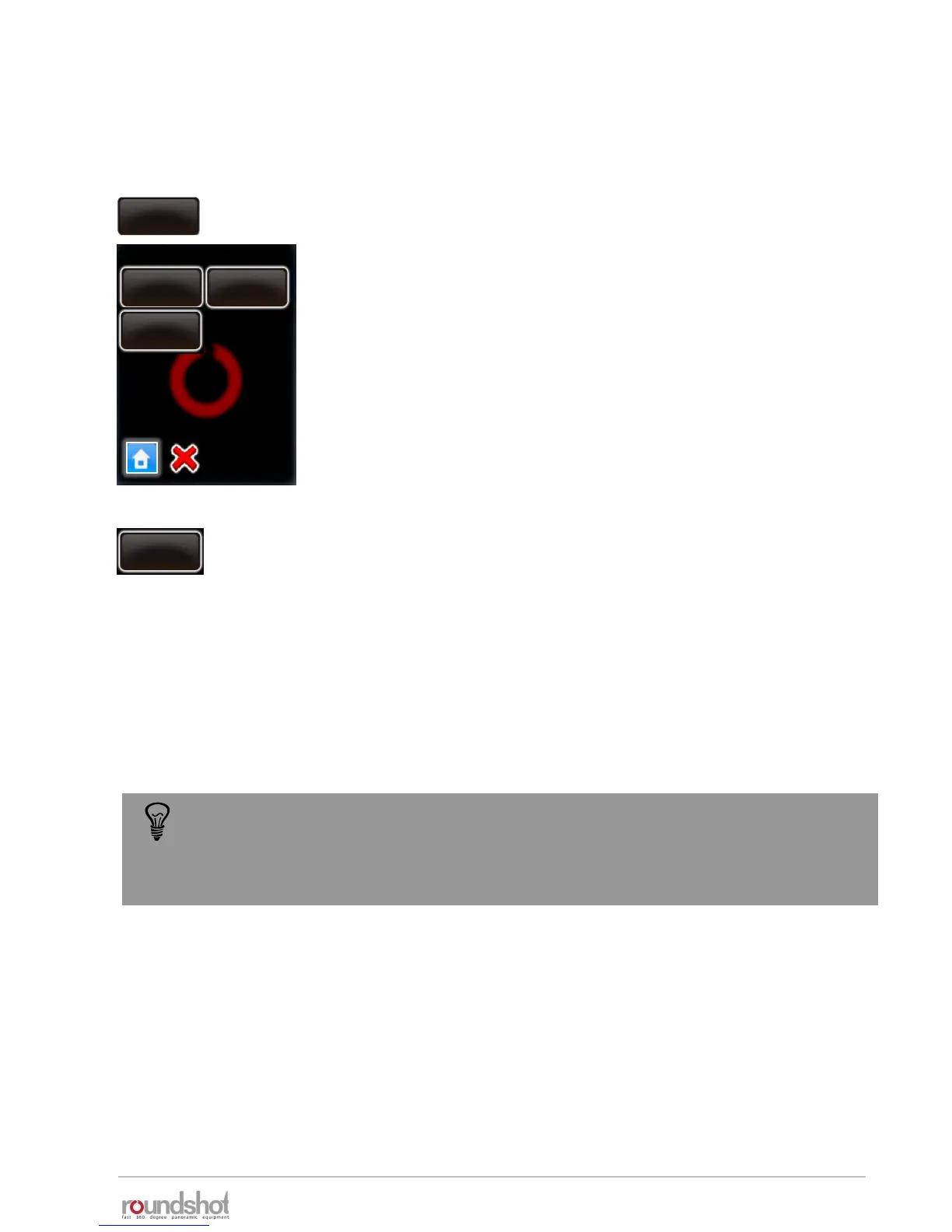
Go to “settings”, “general” and click on „exposure meter“ to set
the sensitivity, the measuring points and the range of
measurement values allowed.
exposure
meter
speed
16/20s
acceleration
15%
exposure meter
speed
16/20s
exposure
constant
25
exposure
sample
1
speed
16/20s
auto
exposure
ranges
acceleration
15%
speed
16/20s
exposure
sample
1
Set the number of light measurements by changing the “exposure
sample” value.
When setting this value to “1”, only one spot measurement will be
taken. Setting it to “6”, for example, will measure – for a 360°
panorama – at every 60°.
When starting a program, the VR Drive will create a measurement
rotation. For panoramas < 360°, it will center the measurements
within the relevant angle of the panorama.
Software Setup
Setting the exposure samples to several points has the advantage that the average
exposure used for the panorama will be more accurate, which in turn allows better
quality images and better stitching results.



 To Next Page