23/05/2019Roundshot VR Drive Instruction Manual – Firmware Version 2.023 132
6.8 Video vs. timelapse mode (continued)
The main advantages of using the VR Drive to generate timelapse or video sequences are:
• 360°x180° full spherical field of view
• Fully automated process thanks to horizontal and vertical motors
• System flexibility with several hardware options allowing several camera motion types
• Very smooth and precise movements for a very wide speed range from very fast to very
slow motion
• Very strong motors capable of handling equipment up to 20 kg
• All sequences can be pre-programmed and edited very efficiently using the embedded VR
Drive software
• The sequence can also be repeated as many time as necessary to get the perfect result
• Every sequence can contain many intermediate points where specific duration,
acceleration, pause and image release frequency can be defined as described below
When creating a new video or time lapse program you will be guided by the wizard to
define the sequence to capture:
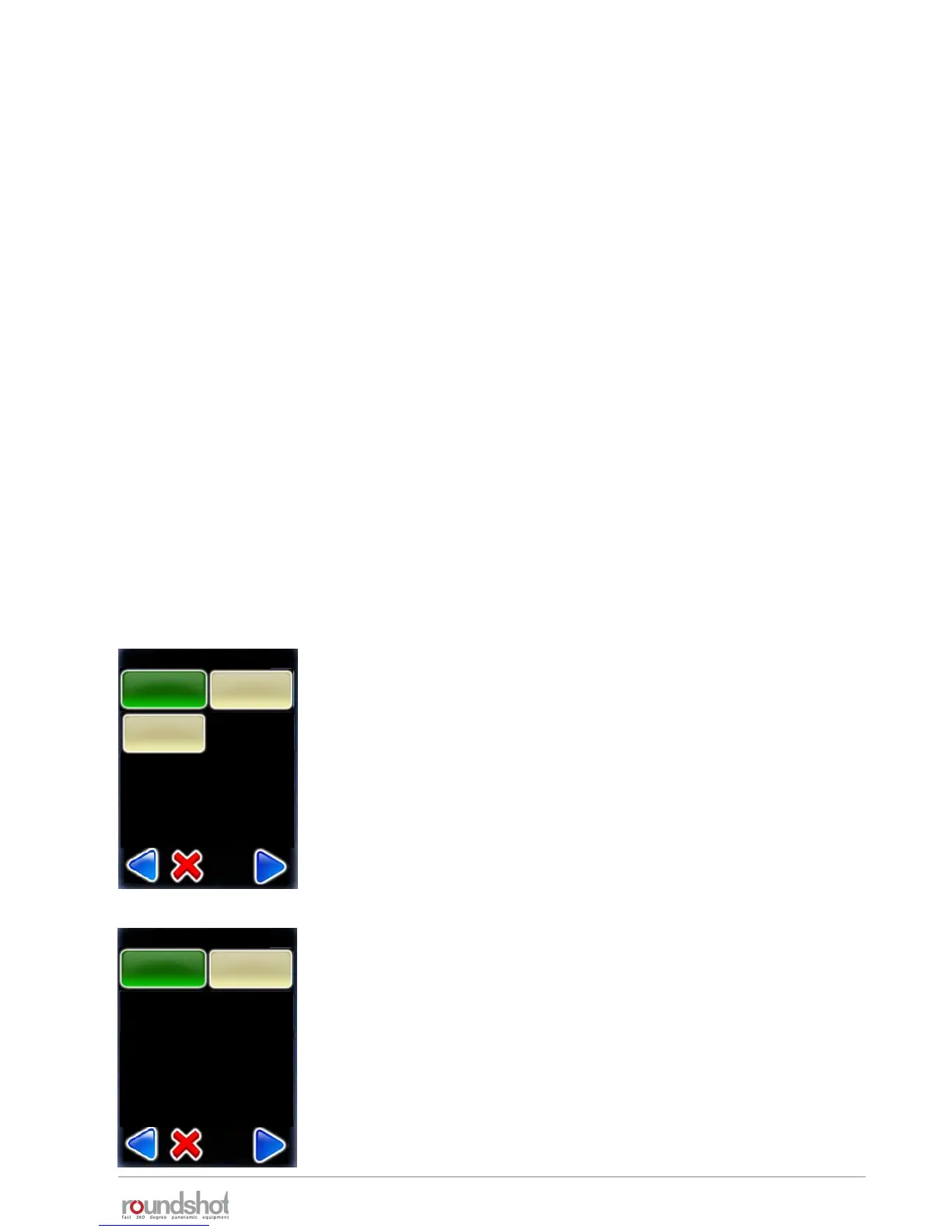
After defining the camera and lens information, select the
hardware type to be used.
Choose between:
• 360°: Regular VR Drive with additional L-Bracket
• Linear: VR Drive mounted on a linear rail
• Dolly: VR Drive mounted on a dolly
In case of timelapse program, select between 2 image release
modes:
• Seconds: images will be released according to a time interval
• Position: images will be released according to a distance or
angle interval
It will then be necessary to define the pause before and after
every image
Hardware type
linear
dolly
360
Image release mode
position
seconds



 To Next Page