23/05/2019Roundshot VR Drive Instruction Manual – Firmware Version 2.023 144
7.5 Software update: “Club VR Drive” (continued)
Firmware update
V. 02.023
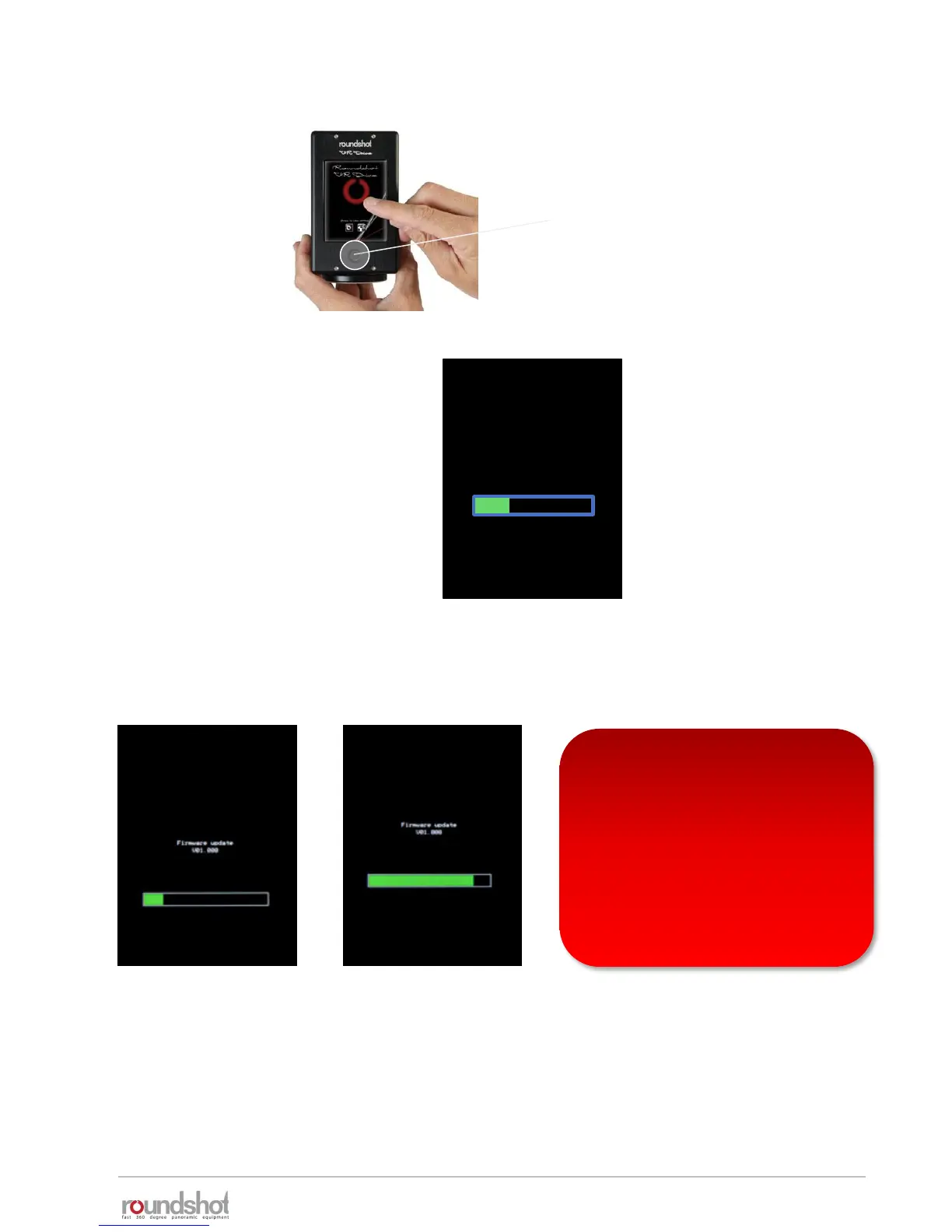
Keep the VR Drive on/off button
pressed.
Keep it pressed.
Keep it pressed until the green
Firmware update progress bar is
displayed:
Press several seconds
On/off button
The VR Drive will now load the new software from the USB key.
This is confirmed with the status: “Firmware update / v xx.xxx”.
• Please wait until the camera
database is fully loaded before
unplugging the USB key
• Removing the USB before may
lead to an incompatibility
between VR Drive software and
camera database



 To Next Page