23/05/2019Roundshot VR Drive Instruction Manual – Firmware Version 2.023 145
7.5 Software update: “Club VR Drive” (continued)
As soon as the camera database upload is finished, the VR
Drive will go into normal start-up mode. This is confirmed
with the start-up screen.
The software updates are now complete. All previous
programs and settings remain intact.
It is now safe to remove the USB stick.
P1
quality
Nikon D3
focal length : 24 mm
A: 0mm B: 0mm
angle X:360° °
rows : 1
R1 °
Duration : 2min 5s
x/y
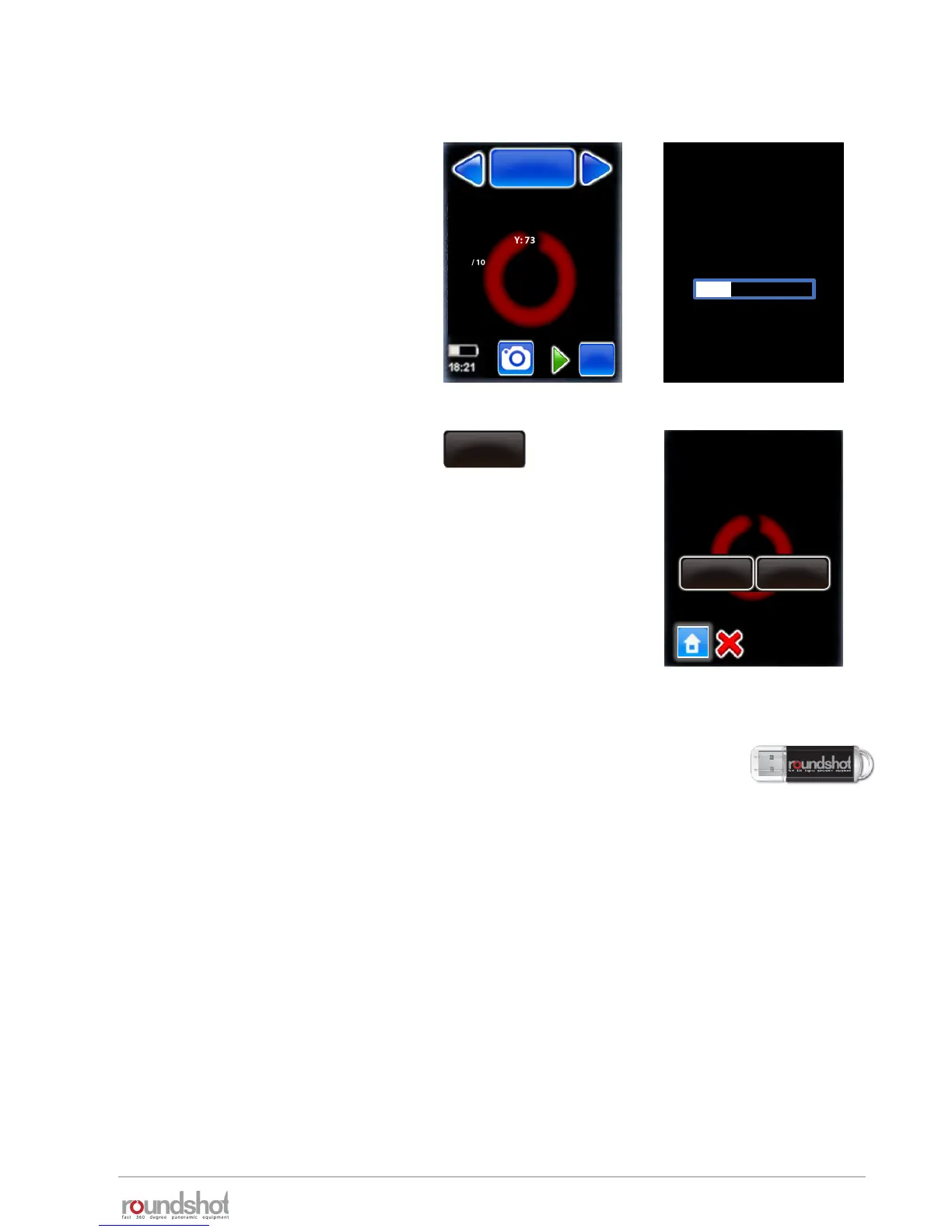
As a next step, the camera data
base with MTP files will be loaded.
This process starts from the “Home”
menu.
Please wait up to 10 seconds until
the VR Drive loads the camera data
from the USB stick.
Loading camera
database
import
Import
If a program number already
exists, would you prefer to
overwrite the old one or
append as new?
append
overwrite
If this process does not start, go to
settings/database/import and
select “overwrite” or “append”.
This will force the loading of the
camera data base with MTP files.



 To Next Page